Framer Layout Templates — Shared Headers & Footers Across Pages
Layout templates help you reuse page structures like navigation bars and footers across your site. In this tutorial, you’ll learn how to use and edit layout templates to keep your pages consistent and easy to maintain.

6
min read


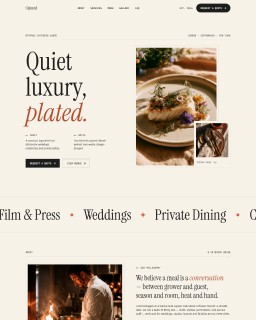
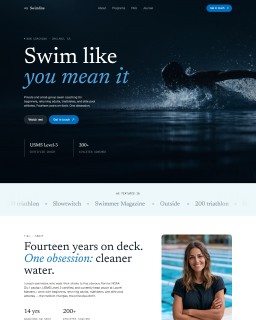
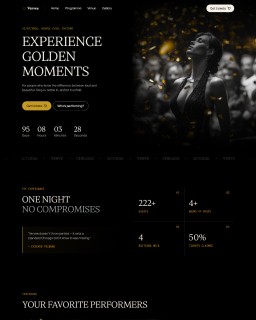
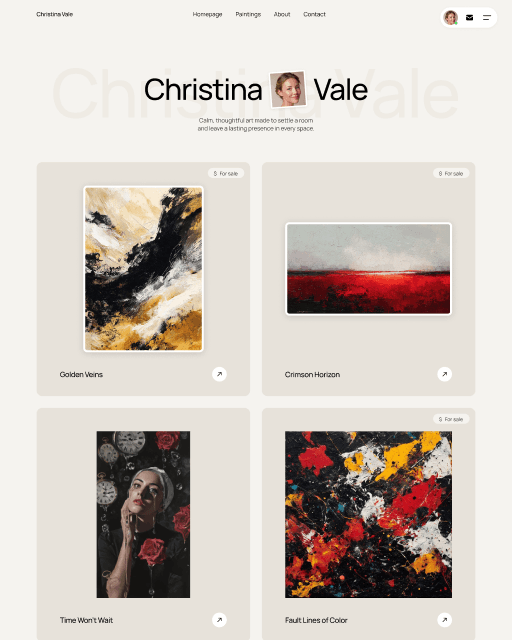

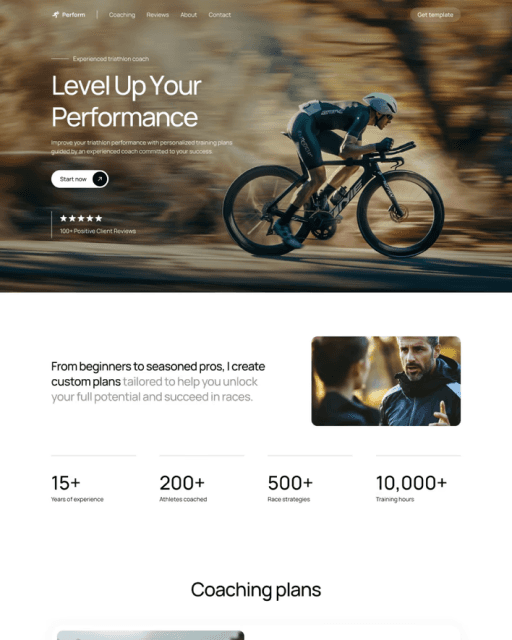

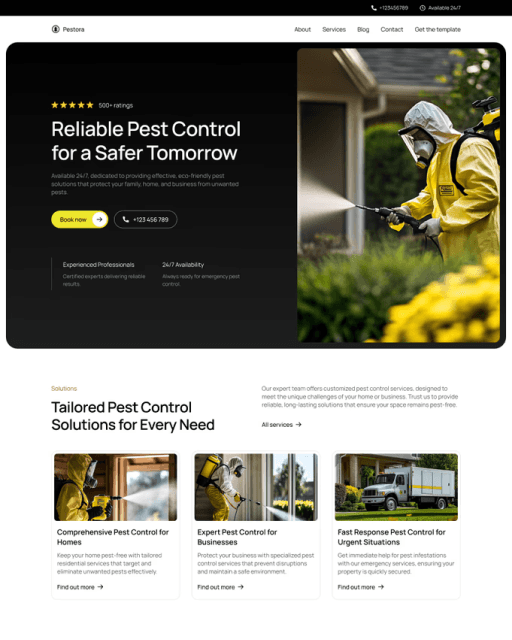

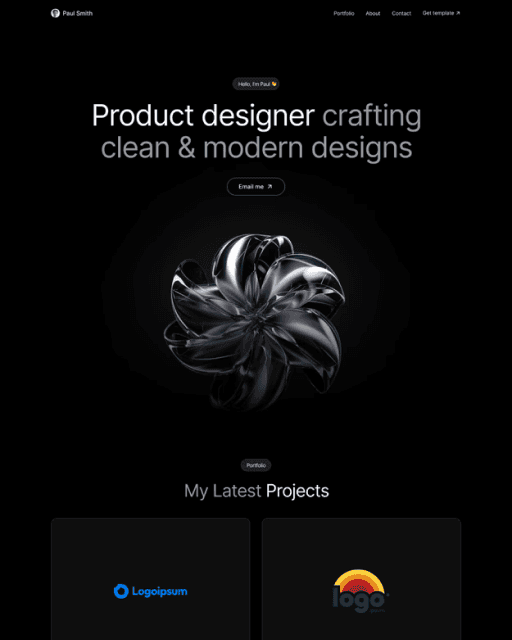
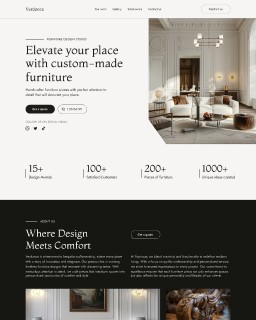
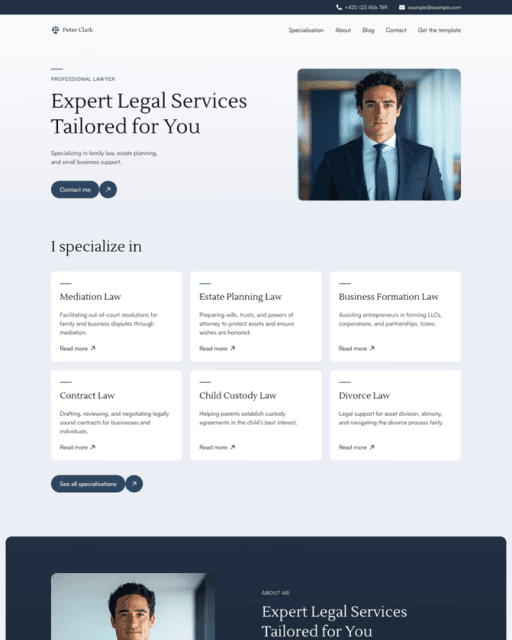
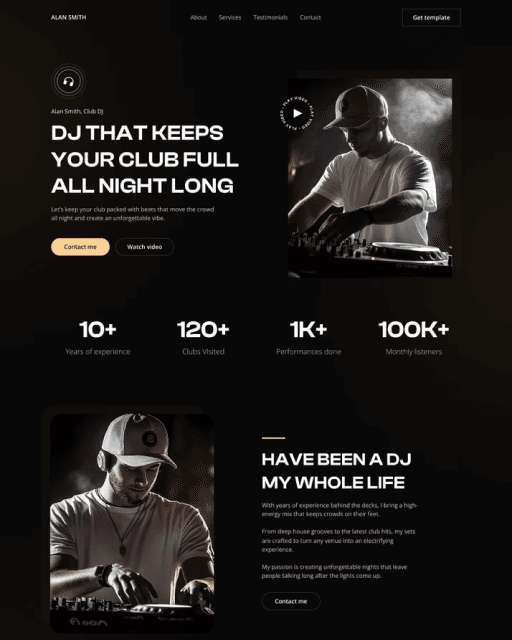
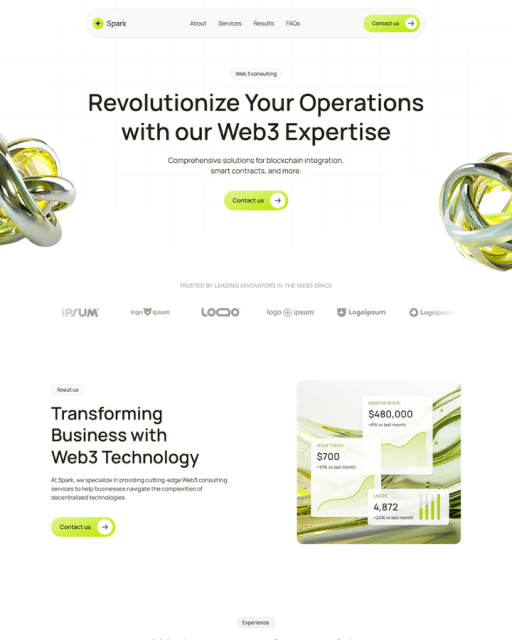

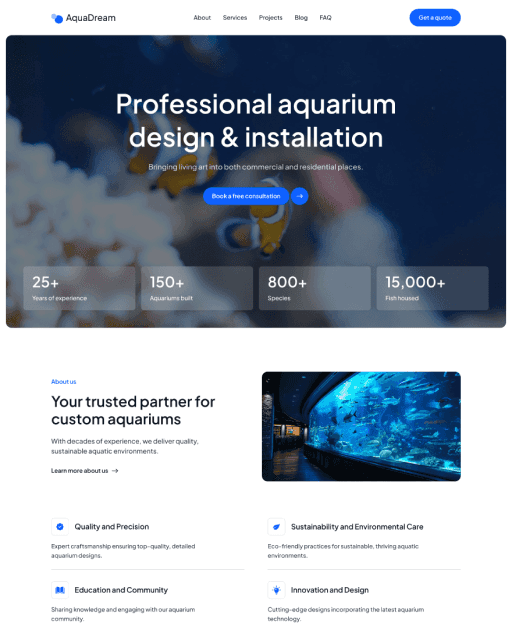
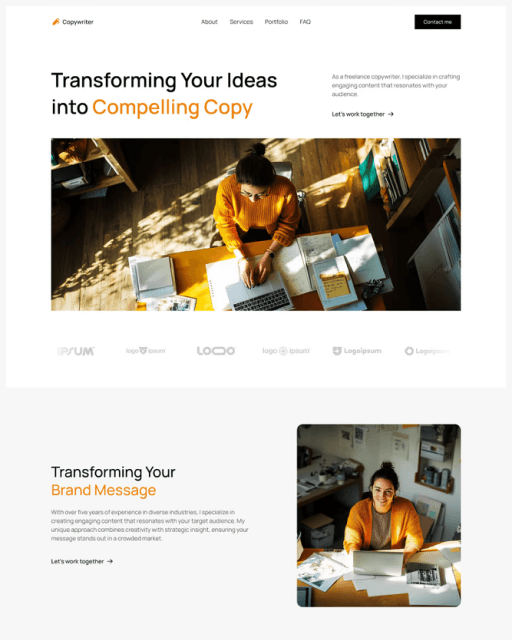
Layout templates help you reuse page structures like navigation bars and footers across your site. In this tutorial, you’ll learn how to use and edit layout templates to keep your pages consistent and easy to maintain.
What are layout templates?
Layout templates work similarly to components, but instead of individual elements, they are used for entire pages.
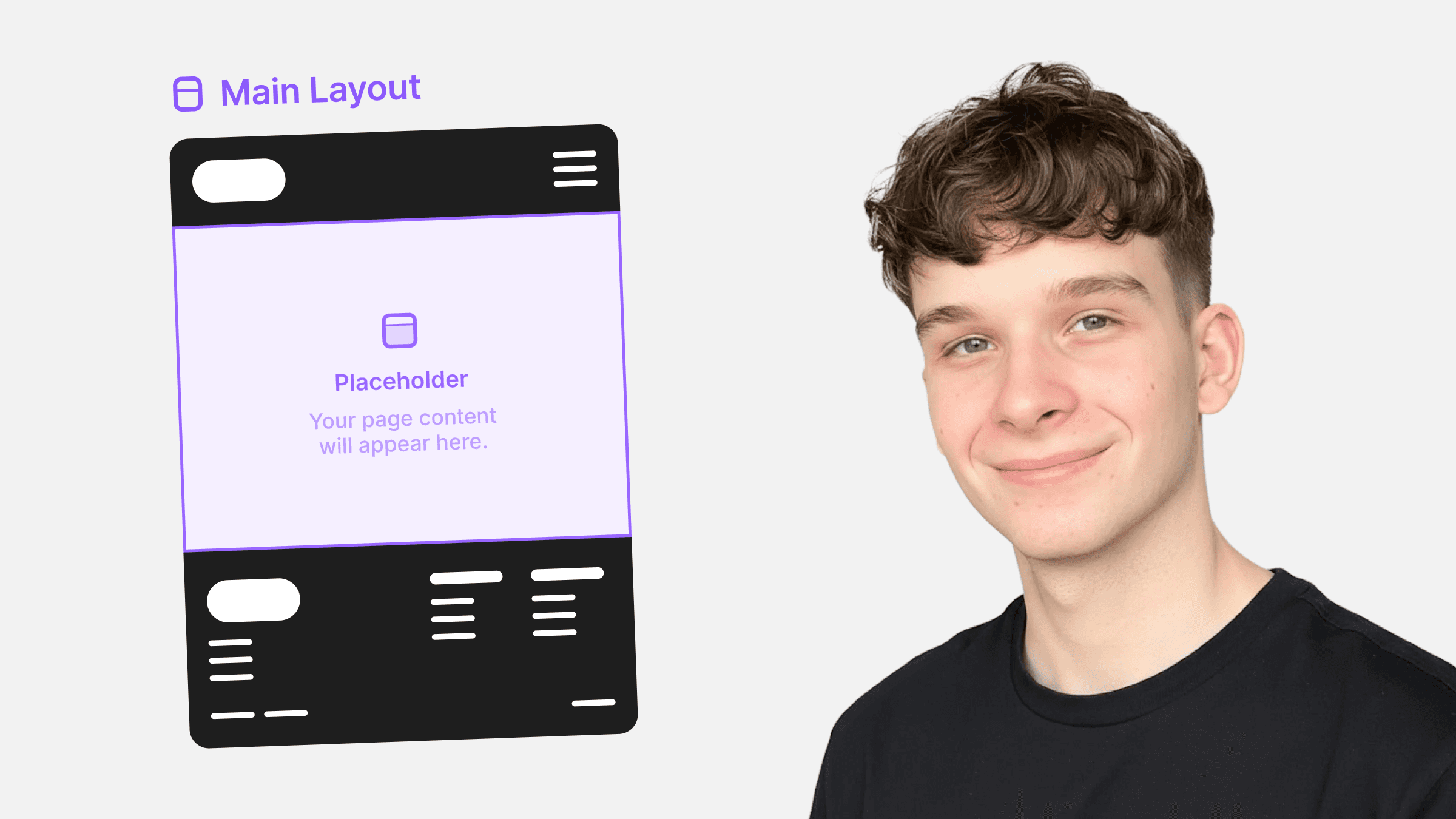
They allow you to define a shared structure that can be reused across multiple pages — for example, a navigation bar, footer, or overall page layout.
If you want the same navigation bar and footer on every page, layout templates are the best solution.
Instead of copying these elements to every page, you place them inside a layout template and assign that template to each page.
This way
You edit the layout once
Changes apply to all pages using that template
This saves time and helps keep your website consistent.
Using a layout template
To use a layout template, open a page and assign the template to it. You can do this by selecting the page element and finding Layout Templates at the top of the right panel.
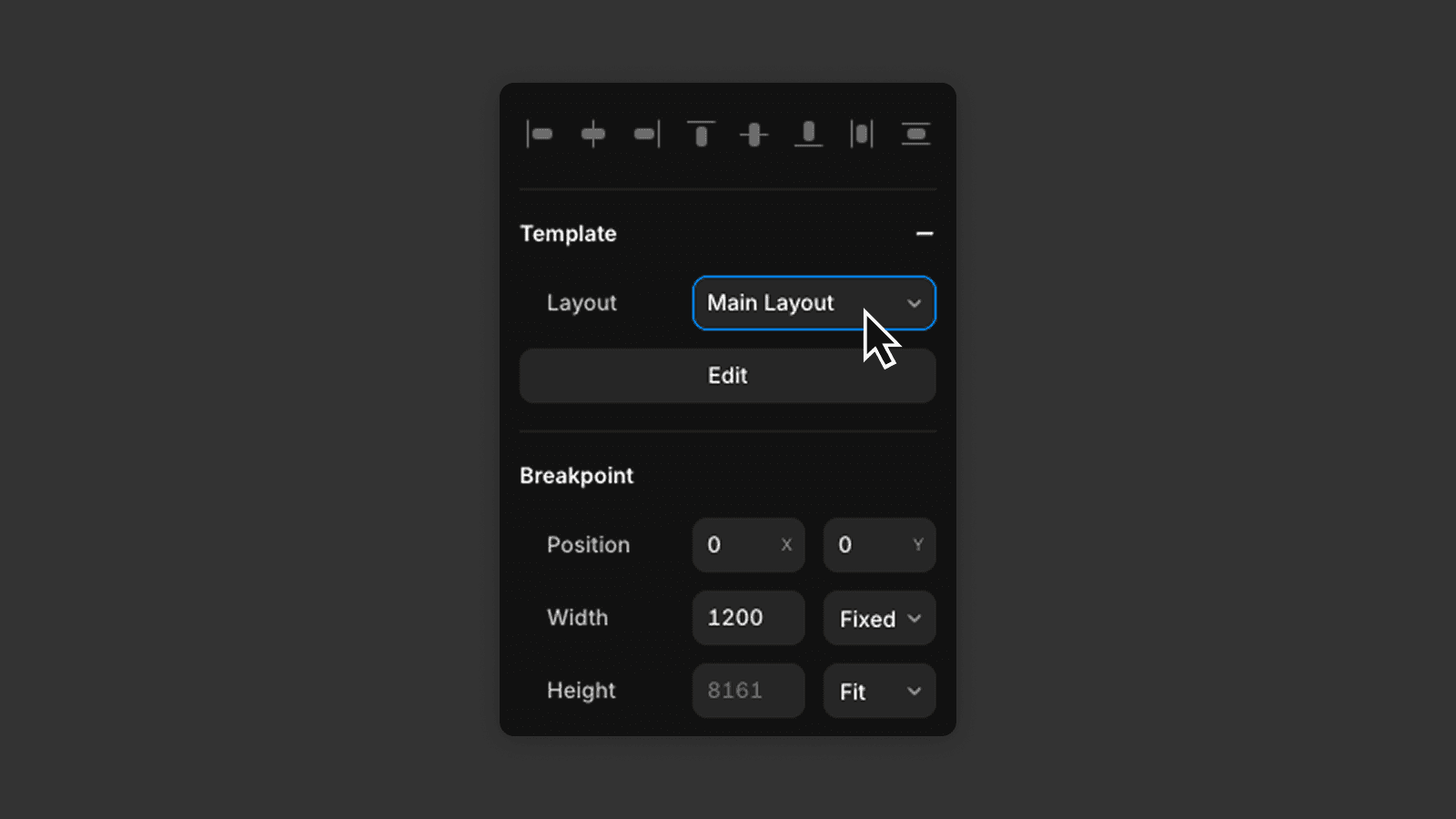
Once applied, the page will inherit the structure from the layout template, including all elements that are part of the layout template, such as the navigation bar and footer.
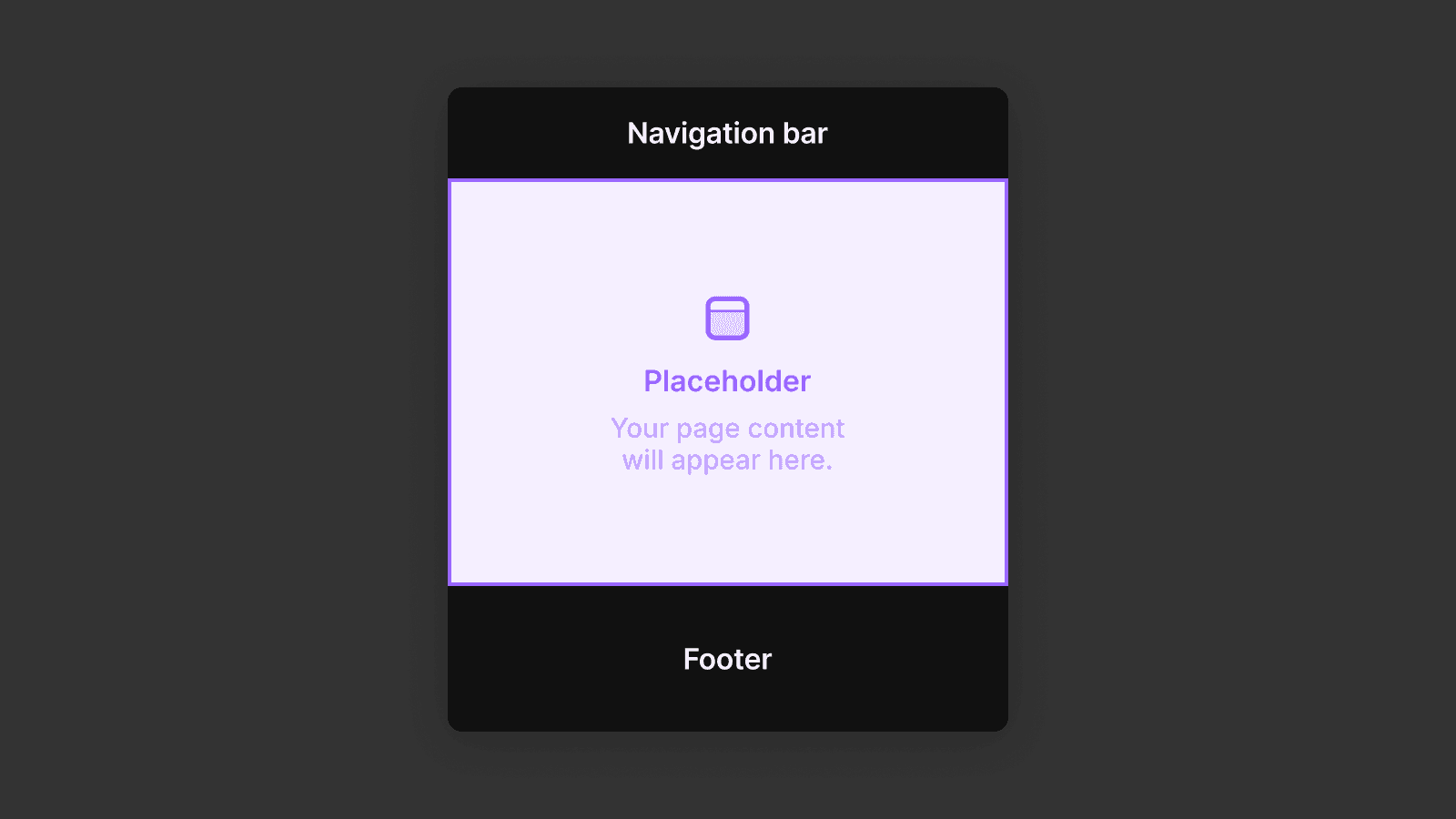
The page’s own content will be placed into the placeholder areas defined inside the layout template.
Editing layout templates
When you need to change the layout globally, edit the layout template itself.
To do this
Open the Assets panel
Find the layout template
Click on it to open and edit it
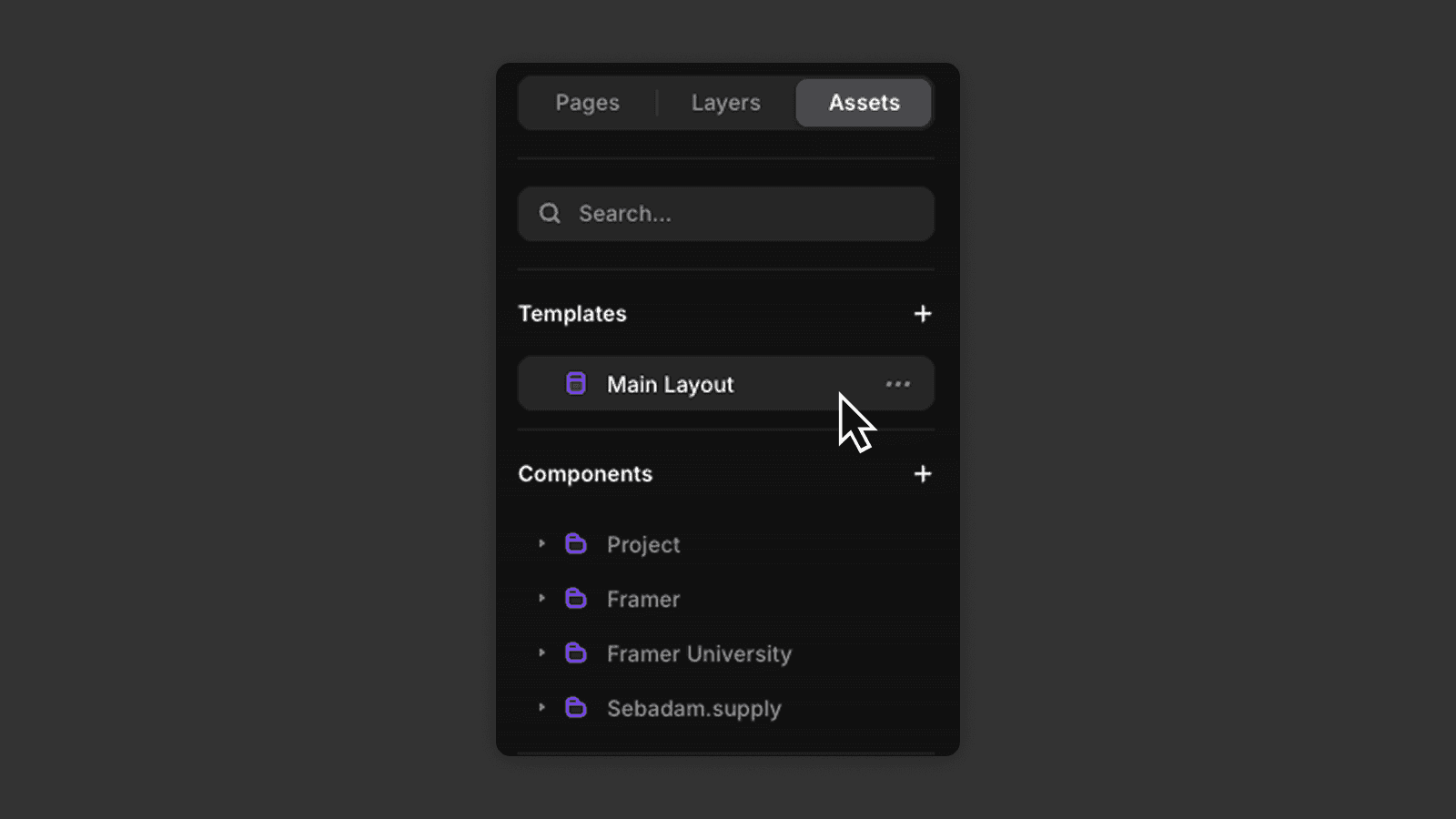
You edit a layout template just like a normal page. The main difference is that it contains placeholder elements, which are replaced by the content of individual pages.
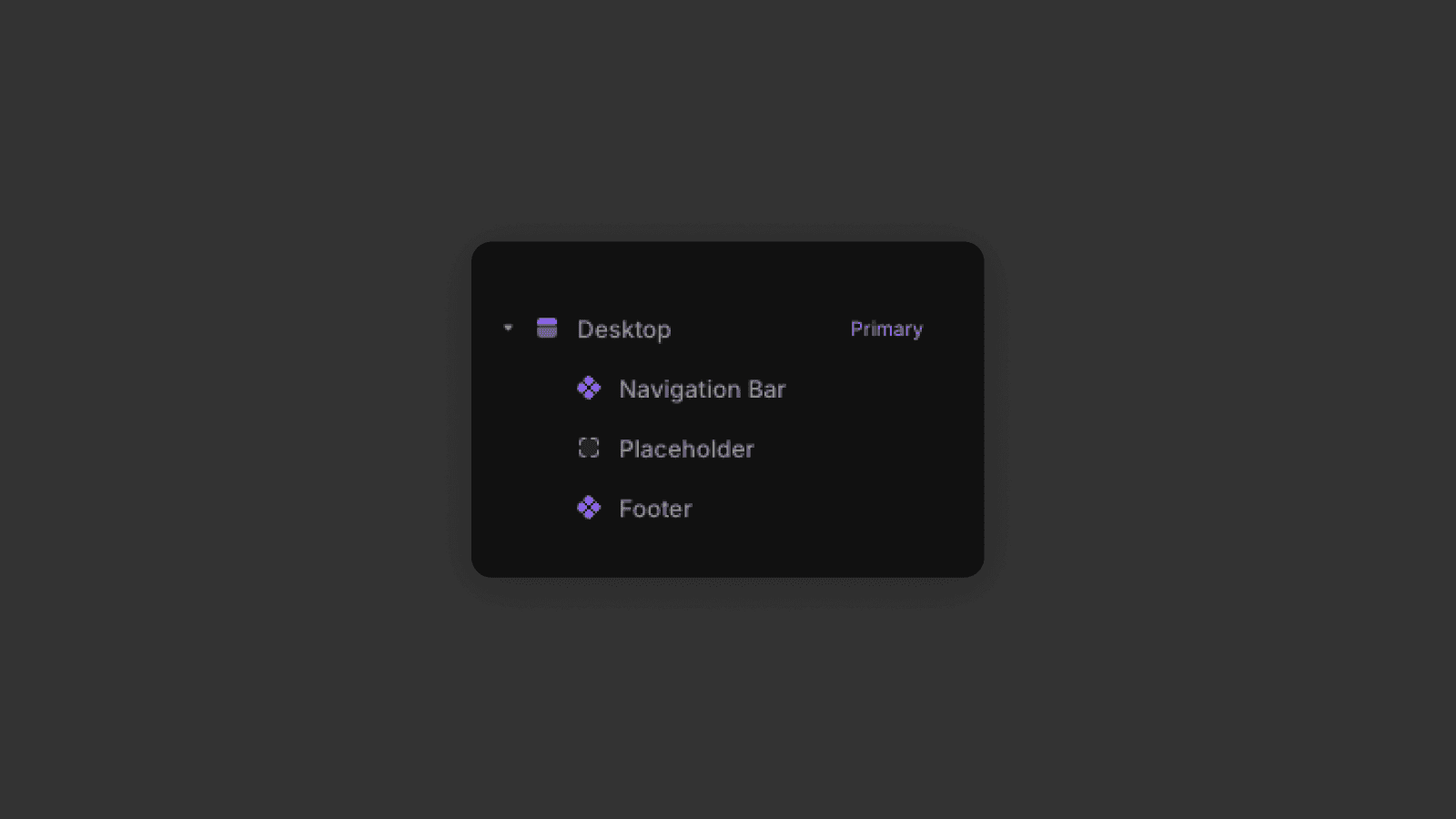
Any changes you make to the layout template automatically update all pages using it.
Using variables in layout templates
Layout templates can also use variables.
Variables allow you to change specific parts of the layout per page, while keeping the overall structure the same.
For example, you can
Switch between different navigation variants
Change the background color for a specific page
Hide or show sections from the layout template
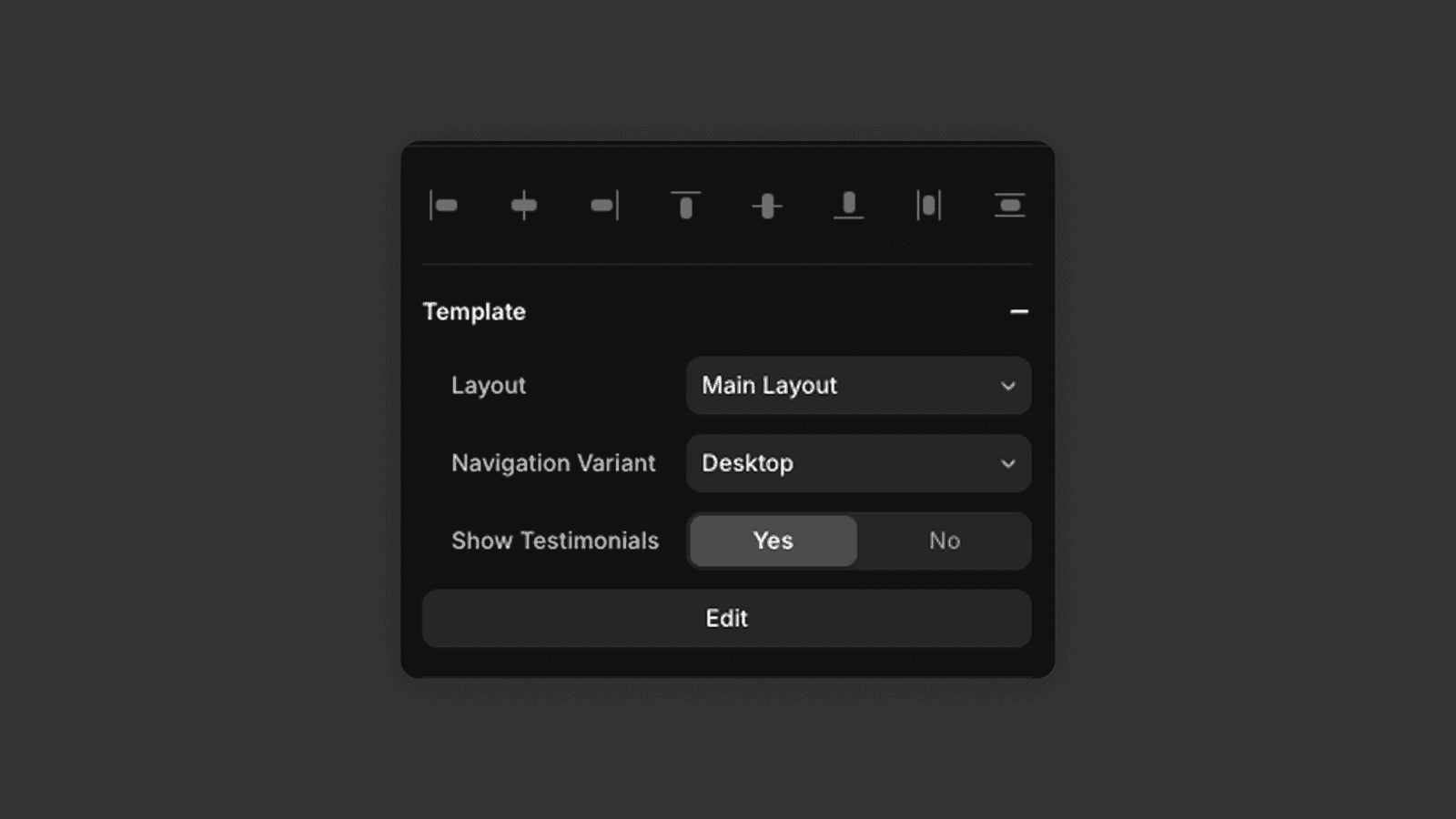
This gives you flexibility without breaking the shared layout.
Now you know how to use layout templates to manage shared page structure efficiently. You can update layouts globally and keep pages consistent with ease.
Frequently asked questions
What are layout templates in Framer?
Layout templates in Framer are shared page structures — such as a navigation bar and footer — that can be applied to multiple pages at once. Editing the layout template updates all pages using it automatically. The navbar and footer inside a layout are typically built as Framer components.
How do I apply a layout template to a page in Framer?
Open the page in Framer, select the page element, and find Layout Templates at the top of the right panel. Choose the layout template you want to apply, and the page will inherit its shared structure.
How do I edit a layout template in Framer?
Open the Assets panel, find the layout template in the list, and click to open it. You edit it just like a normal page. Any changes automatically apply to all pages that use that layout template.
What are variables in Framer layout templates?
Variables let you customize specific parts of a layout per page while keeping the shared structure intact — for example, switching the navbar variant, changing a background color, or hiding a section on a specific page only.