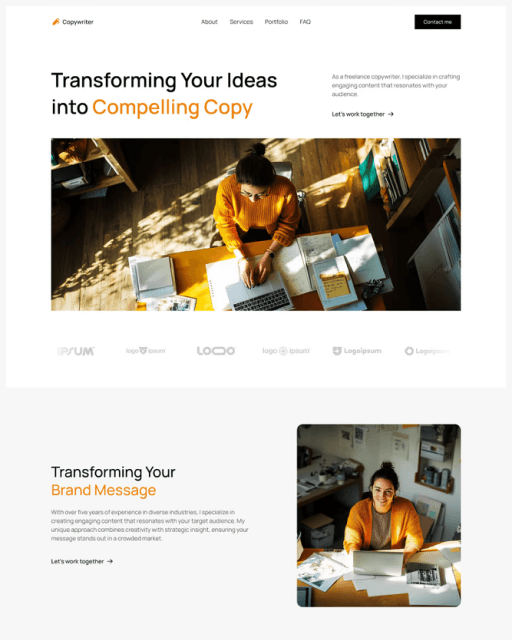
Framer Template Checklist: From Remix to Live

Everything you need to edit in your template to go live fast. Follow these steps in order — from updating brand colors to connecting your domain — and launch your Framer website in a day.

01 — Brand & Design

Publish to a free Framer staging URL

Update brand colors — Styles → Colors

Update fonts — Styles → Text Styles

Upload your logo (replace the placeholder in the navbar and footer)

Upload your favicon — Site Settings → Favicon

02 — Content

Rewrite all placeholder headlines and body copy

Replace all placeholder images with your own photos

Update CMS collections with your real content

Replace content of all components — Button texts, links, testimonials content, ...

Update all social media links — with your actual profile URLs

Update footer copyright year and business name

03 — SEO & Testing

Set page title — Page Settings → SEO → Title

Write meta description

Upload meta image for social sharing (1200×630px)

Add alt text to all your images

Test social preview — paste your URL into opengraph.xyz

Run your site through PageSpeed Insights

Update your email in the contact form and test it

Check every link on the page — confirm nothing is broken

04 — Go Live

Connect your custom domain — Site Settings → Custom Domain

Purchase Framer hosting plan

Install Google Analytics — Site Settings → Analytics → GA4

Submit your site to Google Search Console

How to customize your Framer template and go live fast

Getting a Framer template live is faster than building from scratch, but there's still a specific order that makes the process smooth. Start with brand and design — updating colors and fonts in Framer's Styles panel changes every instance across the entire project at once, so nothing gets missed. Doing this before touching copy or images means you're working in your actual brand from the beginning.

Content comes next. Replacing placeholder text, swapping images, and filling in the CMS are the most time-consuming steps, but they're also the most visible — these are the things visitors will actually read and see. The common mistake is skipping testimonials and social links because they feel minor. A "#" social link or Lorem Ipsum quote tells visitors the site isn't finished.

Metadata is easy to skip and expensive to forget. The page title and meta description control how your site appears in Google search results and when shared on social media. Setting them takes five minutes — but getting them wrong means even a great site looks unfinished when someone finds it in search or shares the link on social.

Before going live, run every page through Google PageSpeed Insights. Framer handles most performance optimization automatically, but images are the one area that needs manual attention. A single oversized hero image can drop a mobile score significantly. After that, test the contact form — it's the most commonly broken element and the one real visitors are most likely to use.

The final step is connecting your domain, enabling Framer hosting, and submitting to Google Search Console. Search Console is what tells Google your site exists — without it, a new site can take weeks longer to appear in search results. It also shows which queries people use to find your site, making it one of the most useful tools for growing organic traffic over time.

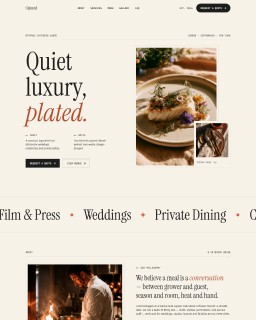
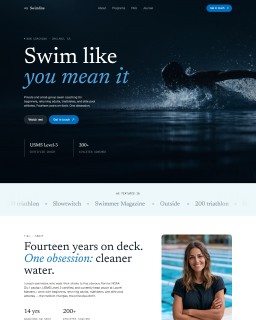
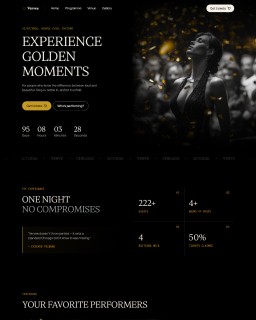
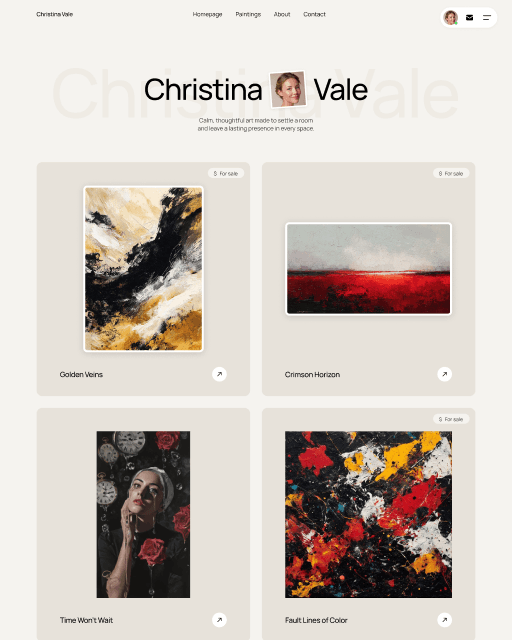
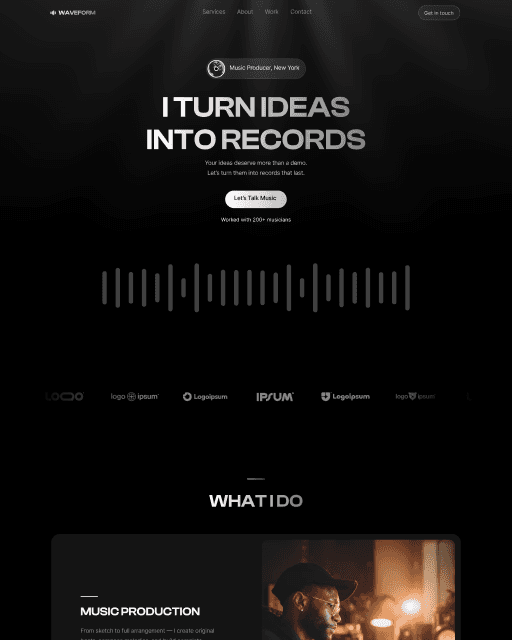
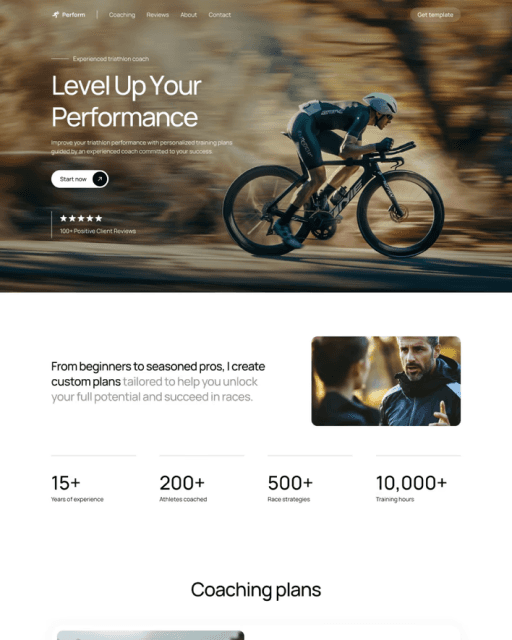
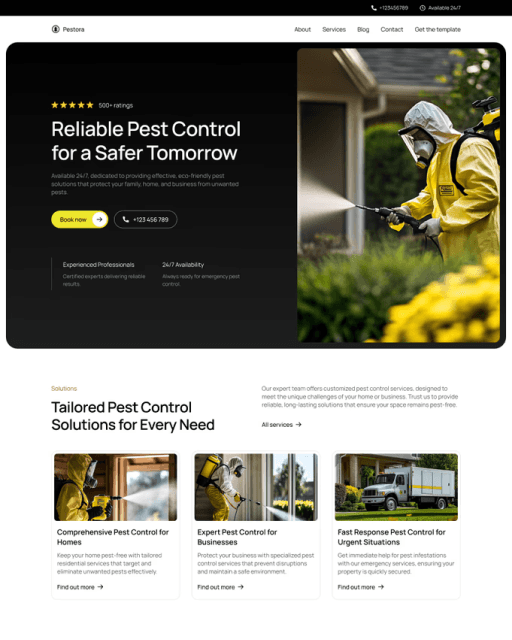
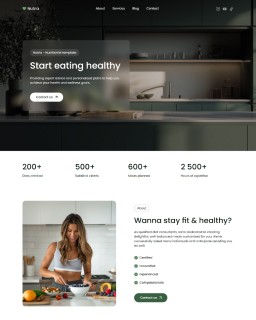
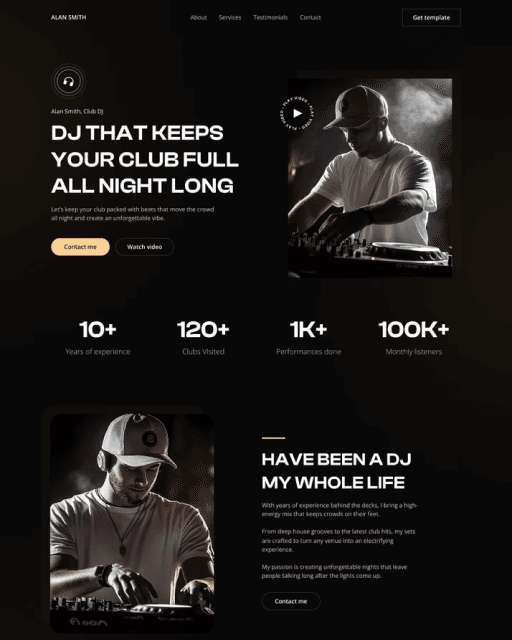
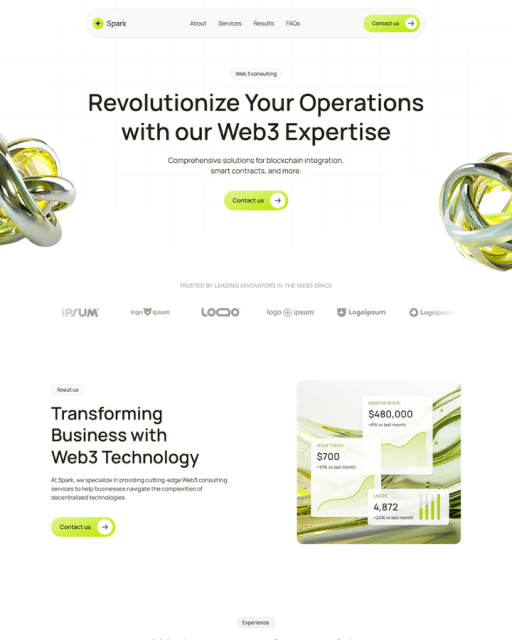
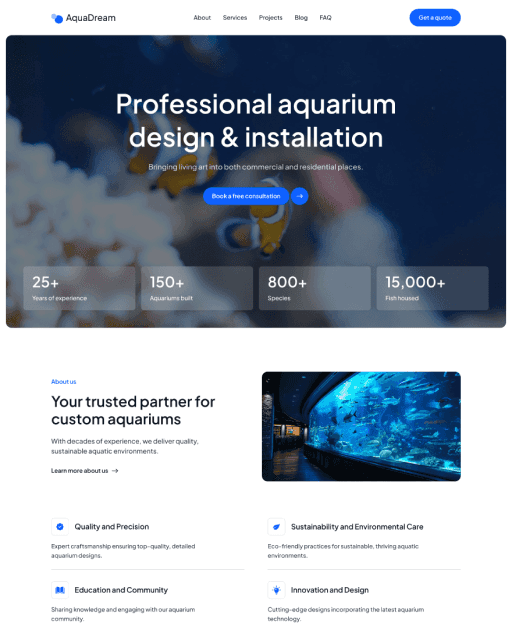
All sebadam templates are built to move through this checklist fast. The structure, styles, and components are set up so every step takes minutes rather than hours — from updating brand colors in Framer's Styles panel to connecting your domain and going live. The built-in guide inside each template walks you through exactly what to edit, in the right order, before you publish.

Your website could be live by tomorrow.

16+ professionally designed Framer templates for coaches, creatives and service businesses. Free and premium — pick yours and launch today.