Framer SEO Basics — Optimize Your Framer Website for Google
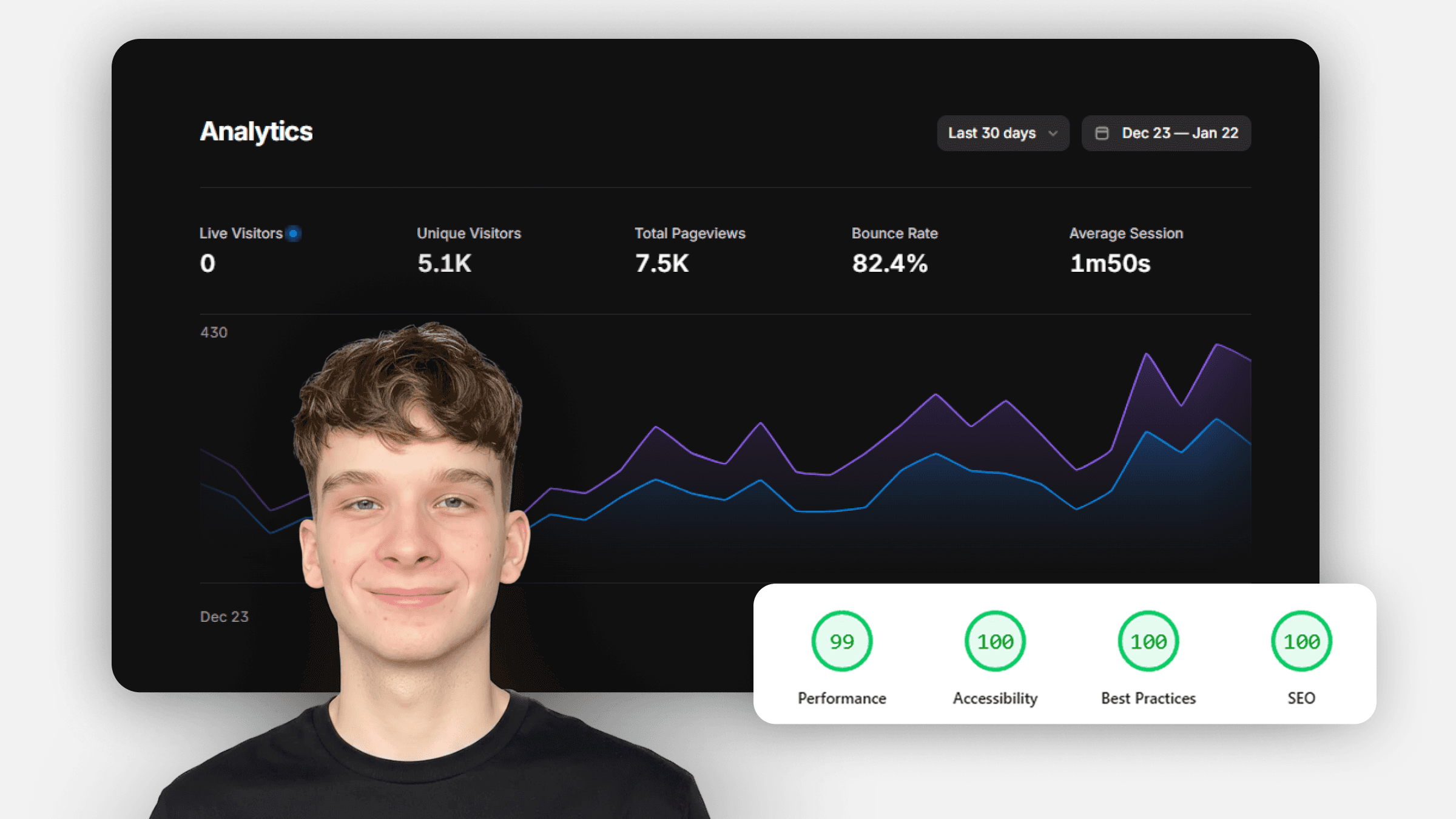
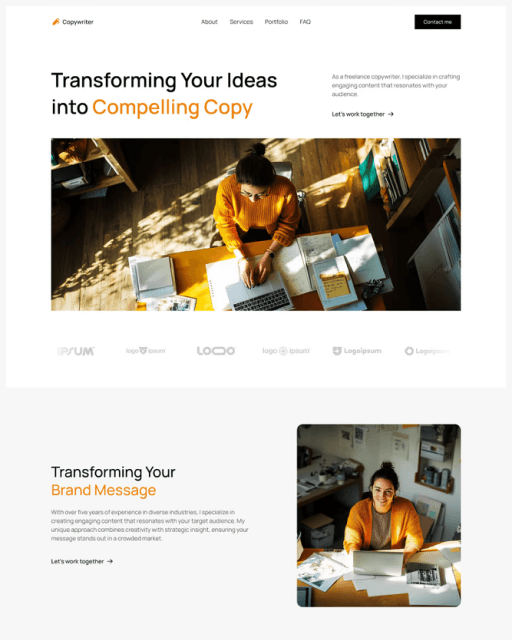
SEO helps people find your website through search engines like Google. In this tutorial, you’ll learn the most important on-site SEO basics in Framer, including headings, page metadata, and image optimization.

8
min read



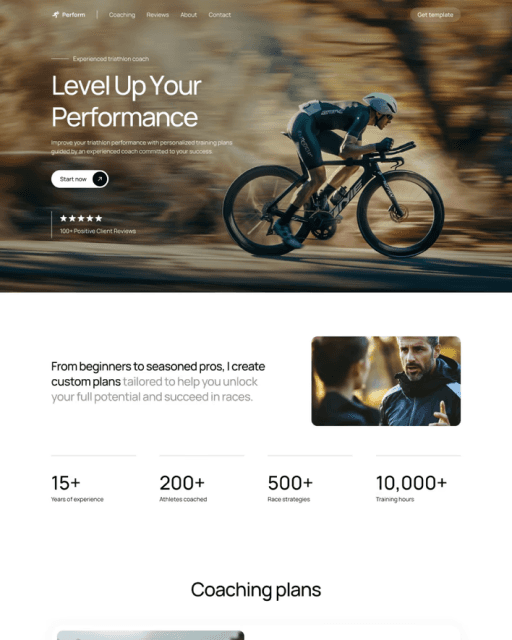
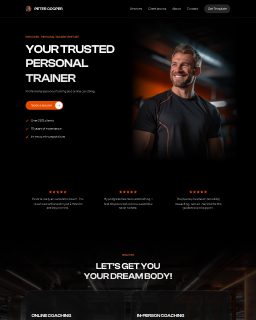
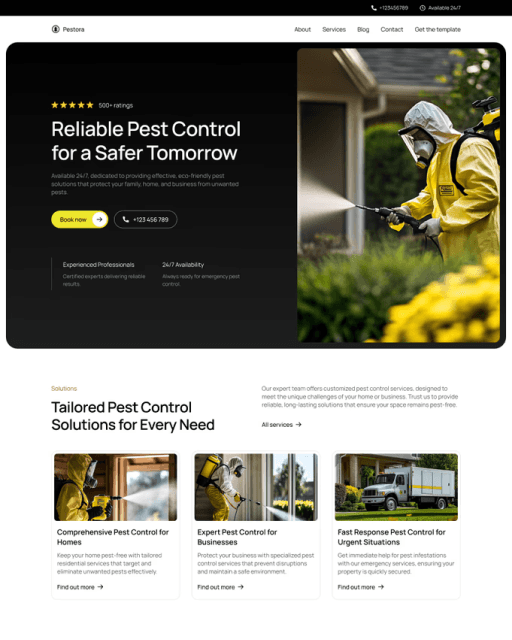



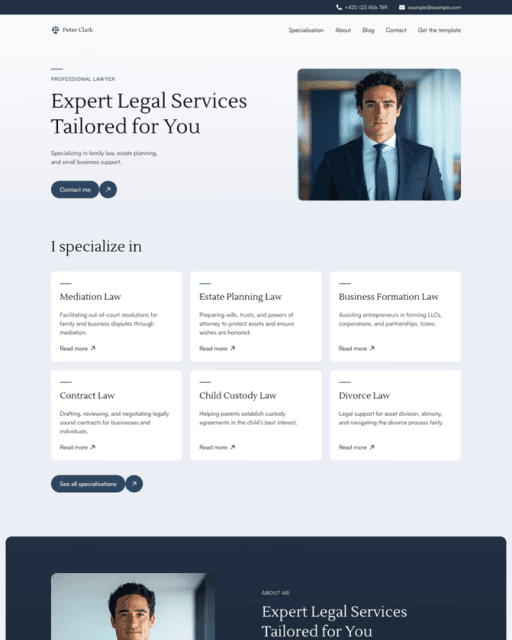
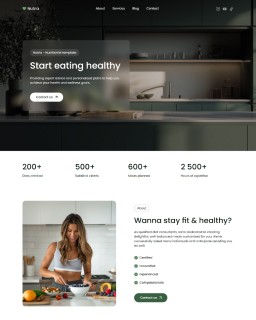
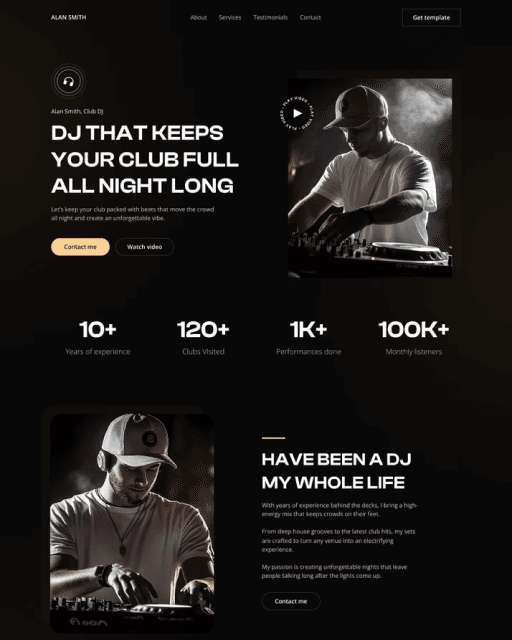
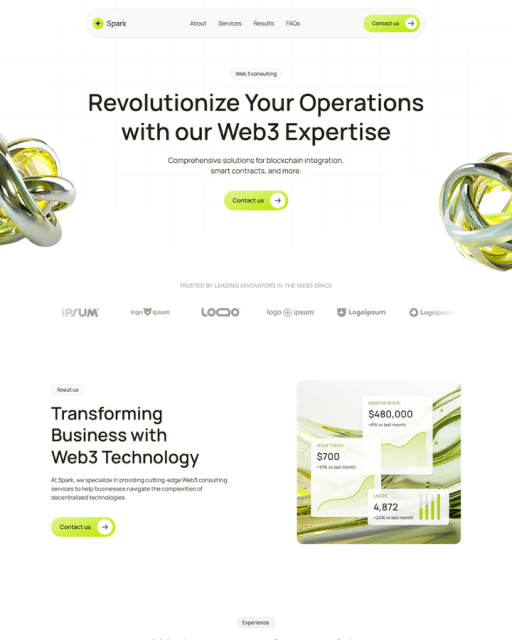

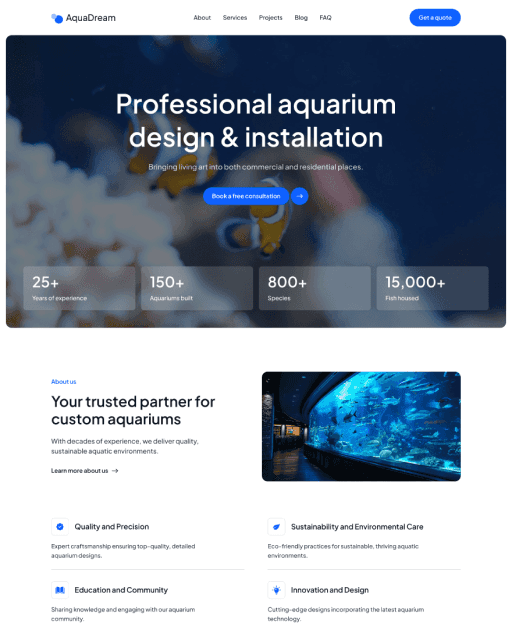
SEO helps people find your website through search engines like Google. In this tutorial, you’ll learn the most important on-site SEO basics in Framer, including headings, page metadata, and image optimization.
SEO basics
SEO stands for Search Engine Optimization. It helps your website rank higher in search engines like Google, which increases the chance that people will find your site through search.
There are two main types of SEO:
Off-site SEO – things like backlinks and external mentions
On-site SEO – everything you control directly on your website
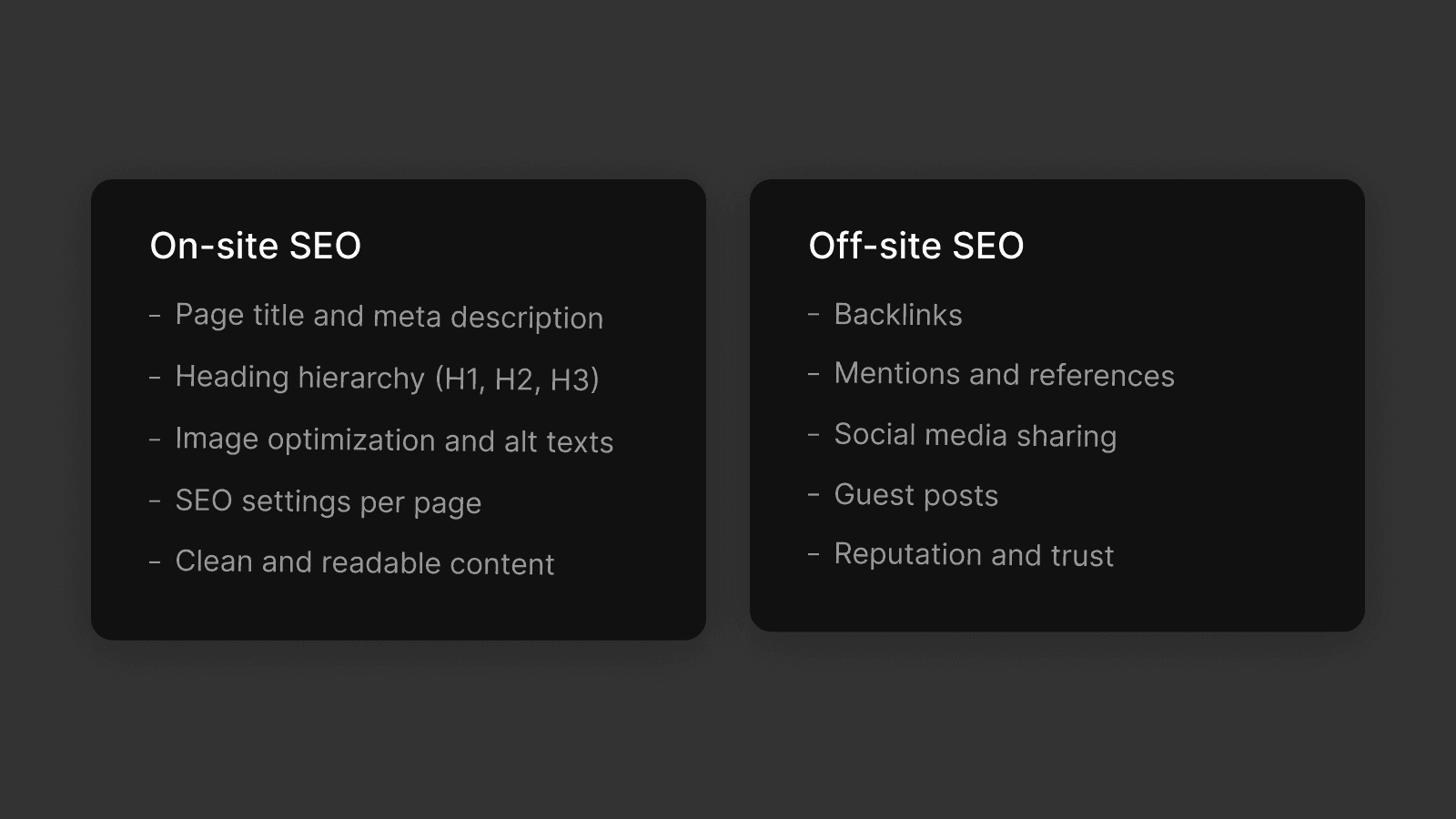
In this tutorial, we'll focus on on-site SEO, since this is what you can manage directly in Framer.
Heading hierarchy
Search engines use headings to understand the structure of your page.
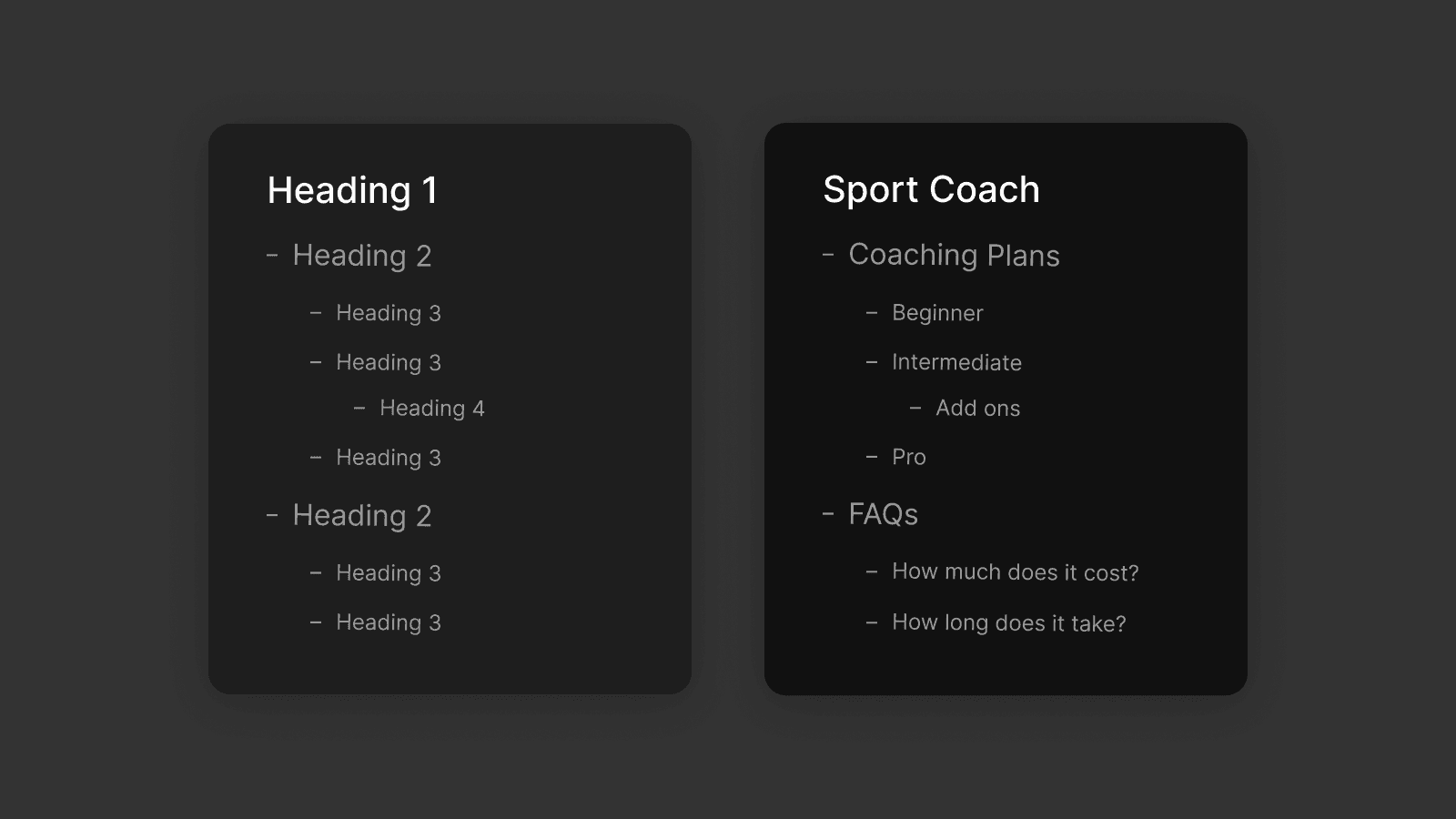
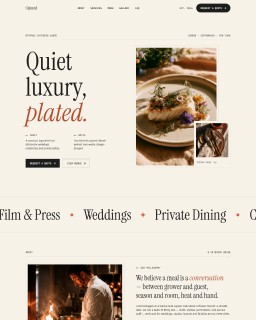
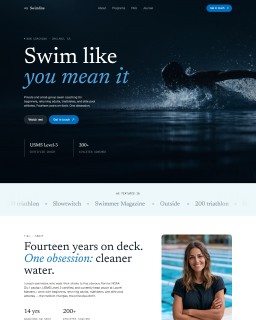
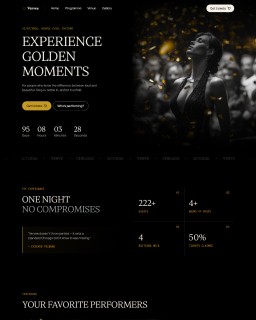
example of a good heading hiearchy
A good heading hierarchy looks like this
One H1 per page (main page title)
H2 for section headings
H3 for sub-sections
Using headings correctly makes your content easier to read and helps search engines understand what your page is about.
Page title, description and meta image
Each page should have a clear page title, meta description, and meta image.
These appear in search results and when your page is shared, helping users decide whether to click your link.
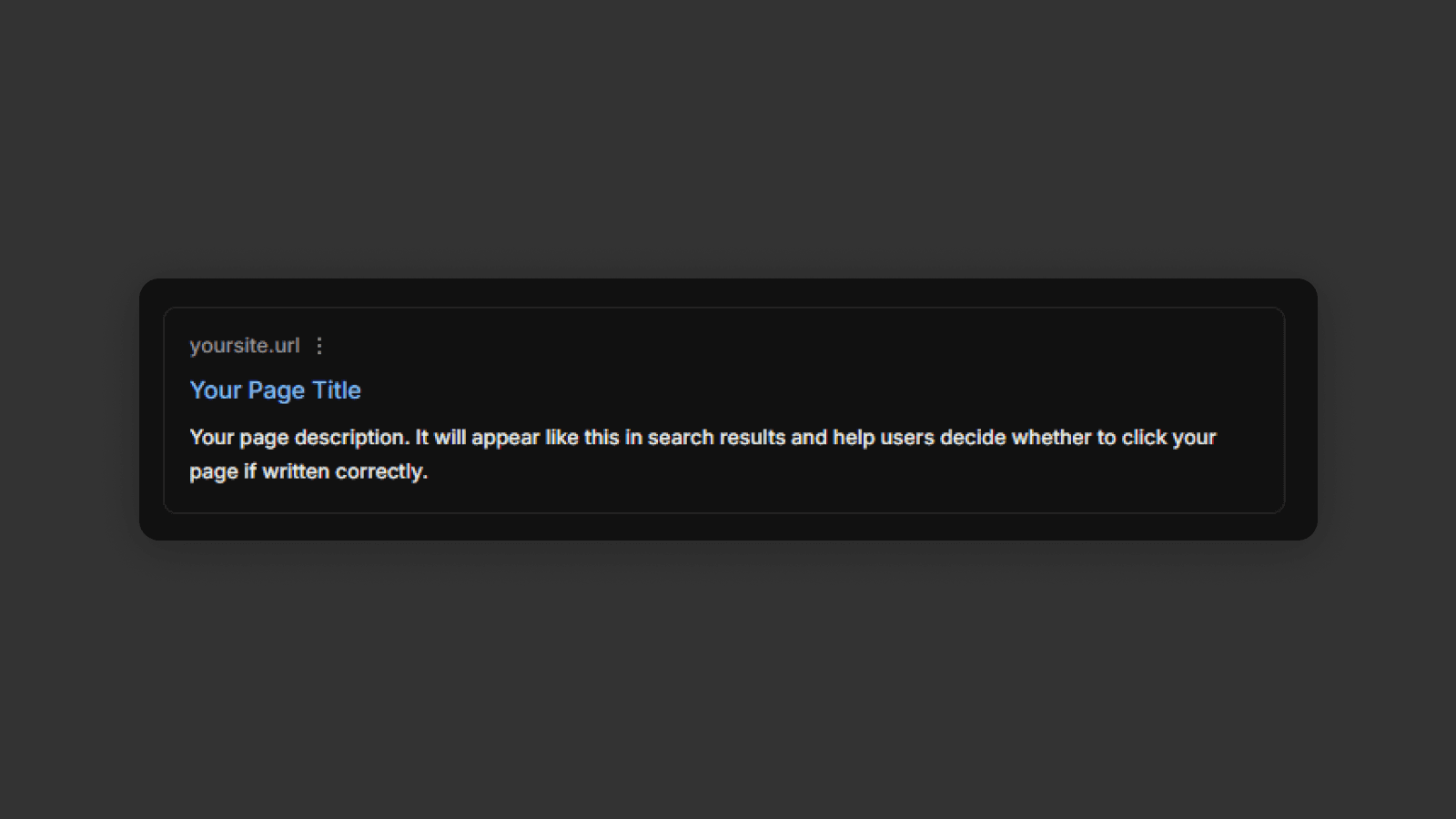
To edit these settings, open Site Settings using the settings icon in the top-right menu.
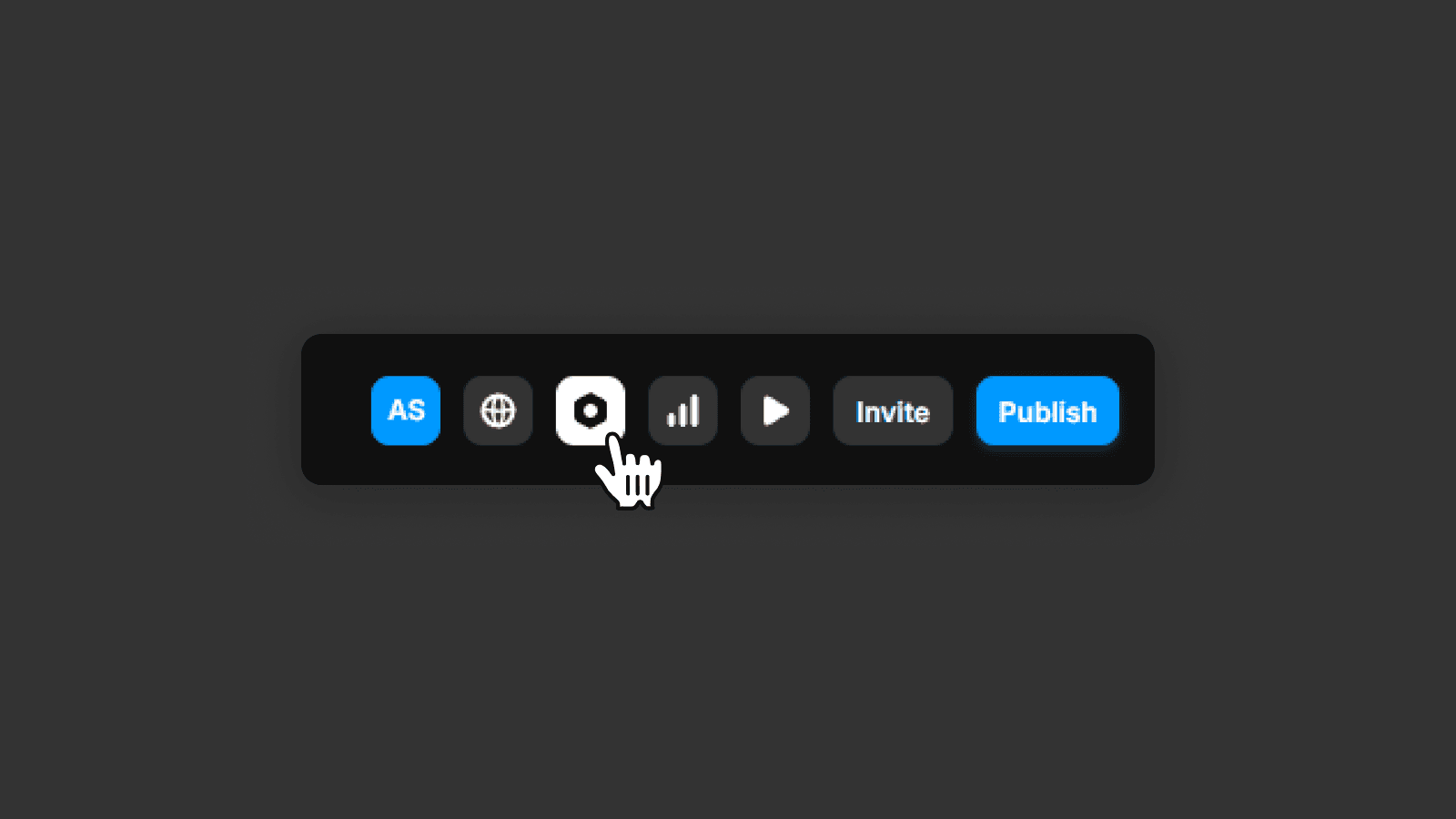
In the left panel, go to Page Settings.
Select a page and edit its SEO information.
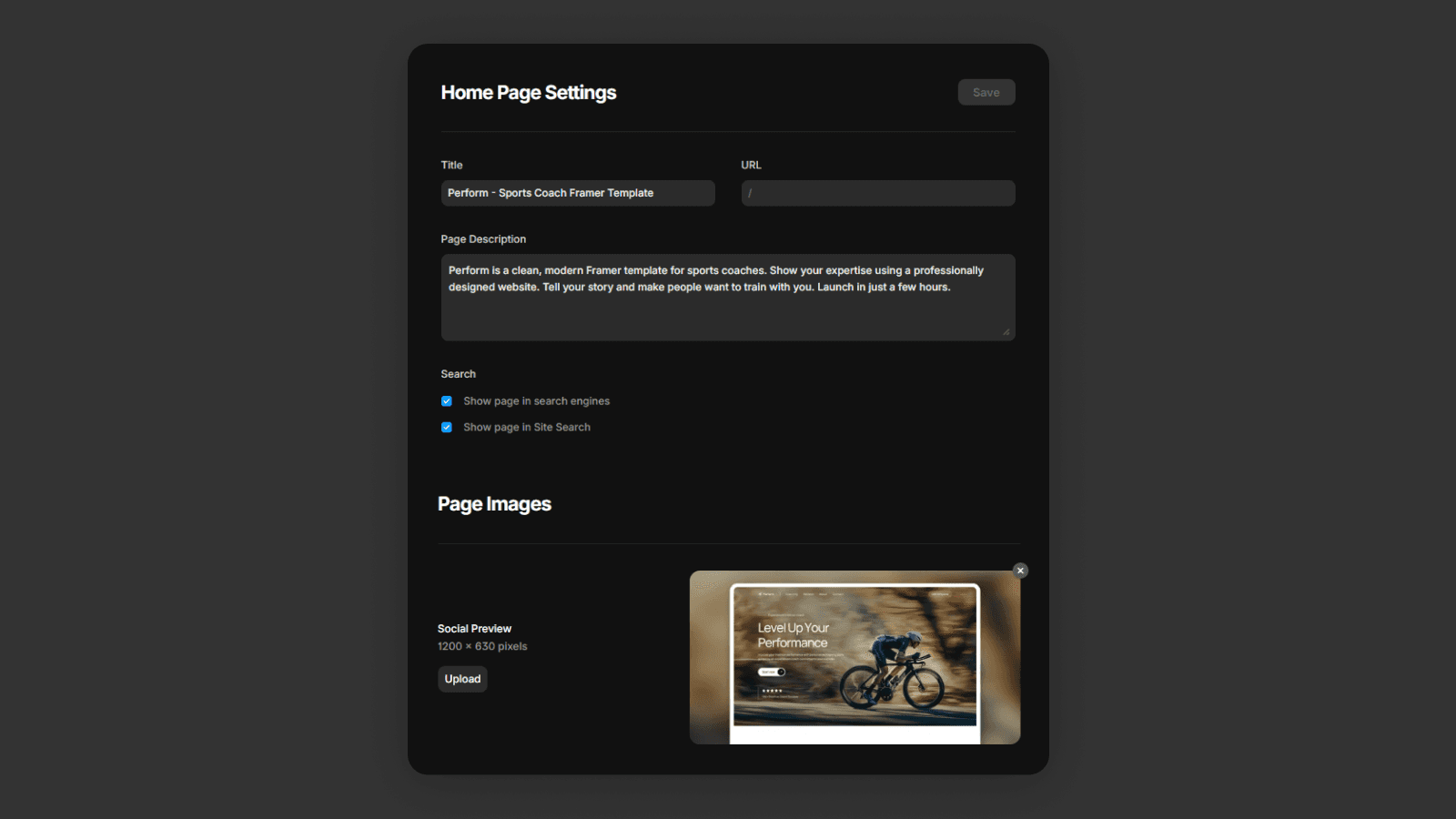
You can also set default SEO values globally in General SEO settings, and override them for individual pages when needed.
Favicon
A favicon is the small icon that appears in the browser tab and bookmarks.
It helps users recognize your website and improves brand consistency.
You can change the favicon by going to Site Settings → General → Site Images.
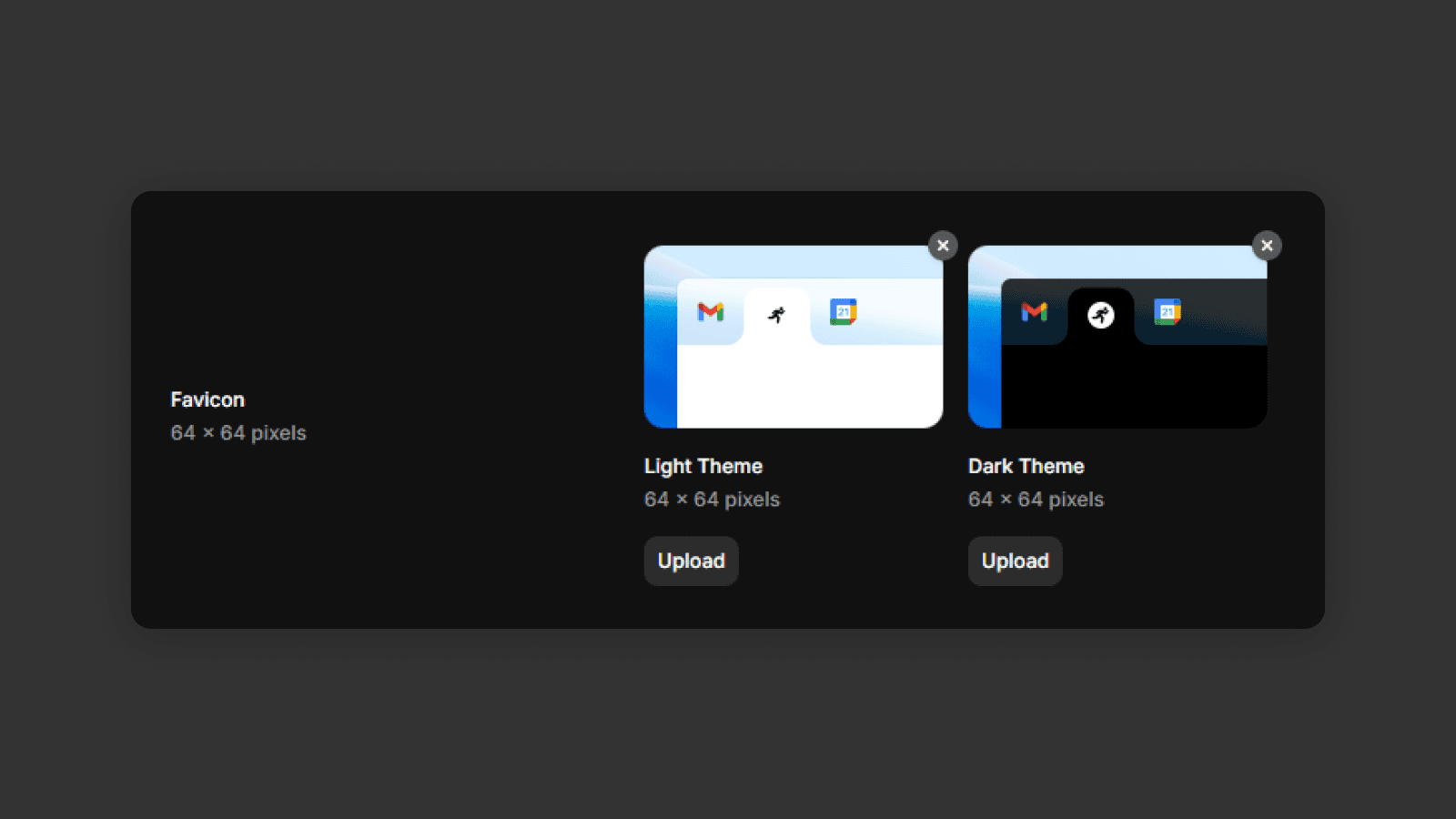
Make sure to use a clear, simple icon that works well at small sizes.
Alt Text for Images
Images also play an important role in SEO.
Alt text describes what an image shows. It's used by search engines and screen readers.
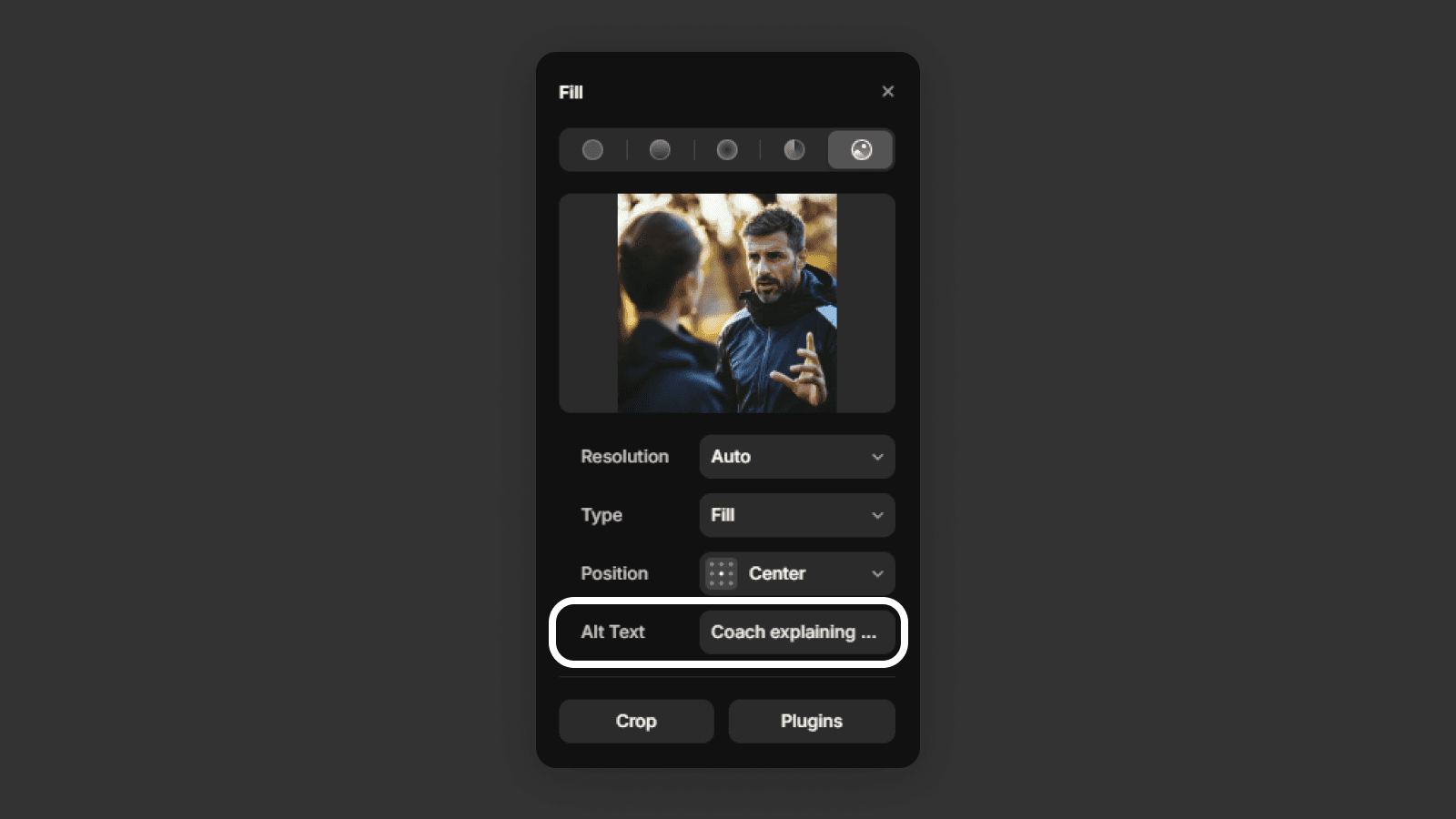
It's important for
Accessibility (screen readers)
SEO (search engines can't see images)
Every meaningful image should have descriptive alt text that explains its content clearly.
Key takeaway
You now know how to improve your website's on-site SEO in Framer by using proper heading structure, setting page titles and descriptions, adding a favicon, and writing meaningful alt text for images. These basics help search engines understand your site and make it easier for users to find and trust your content.
Keep in mind that SEO takes time. If you want faster feedback and better insights, it's a good idea to use SEO tracking tools and Google Search Console.
Frequently asked questions
How do I add a meta title and description in Framer?
Open Site Settings using the settings icon in Framer's top-right menu. Go to Page Settings in the left panel, select a page, and fill in the SEO title, meta description, and meta image for that specific page.
How many H1 headings should a Framer page have?
Each page should have exactly one H1 — the main page title. Use H2 for section headings and H3 for sub-sections. This heading hierarchy helps search engines understand your page structure and improves your chance of ranking.
What is alt text and why does it matter in Framer?
Alt text is a written description of an image. Search engines cannot see images, so alt text tells them what the image shows. It also improves accessibility for screen reader users. Add descriptive alt text to every meaningful image on your site.
How do I change the favicon in Framer?
Go to Site Settings in Framer, then navigate to General → Site Images. Upload your favicon there. Use a simple, recognizable icon that looks clear at small sizes — ideally a square image in PNG or SVG format. Once your SEO is set up, you're ready for the website launch steps.