How to Build a Web3 Consulting Website
Learn what pages a web3 consulting website needs, how to structure each one for credibility and conversions, and how to launch fast without hiring a developer.

7
min read
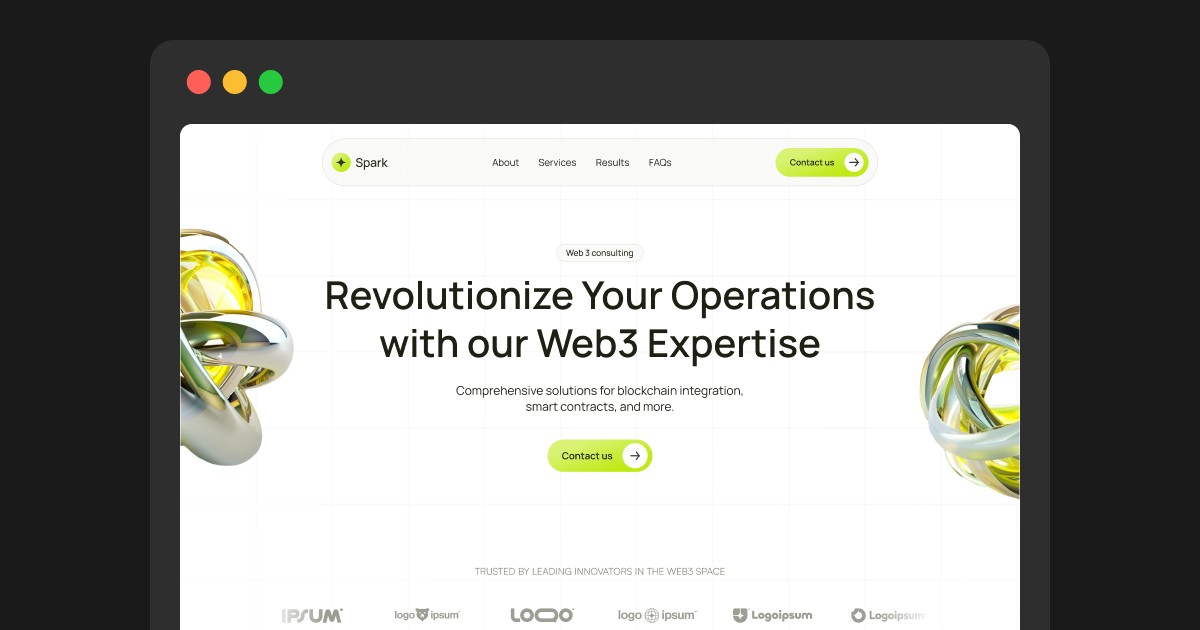


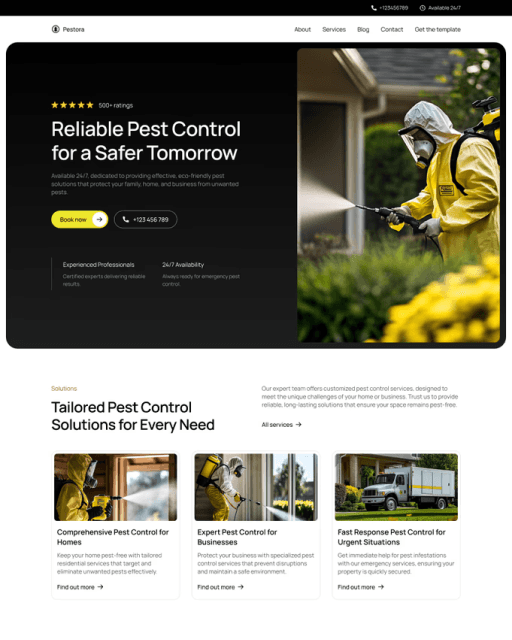
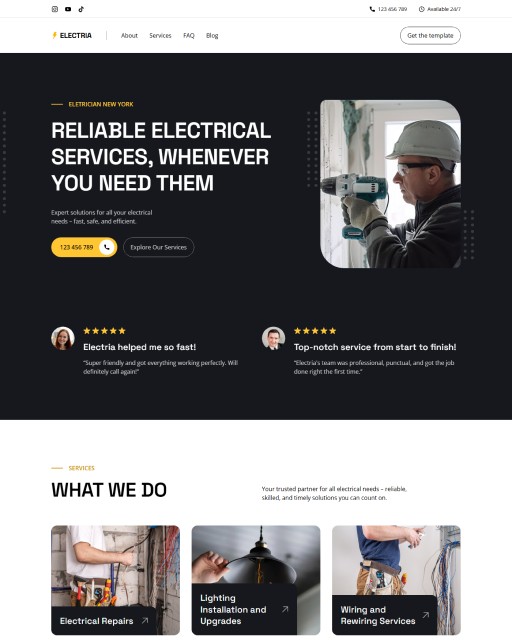
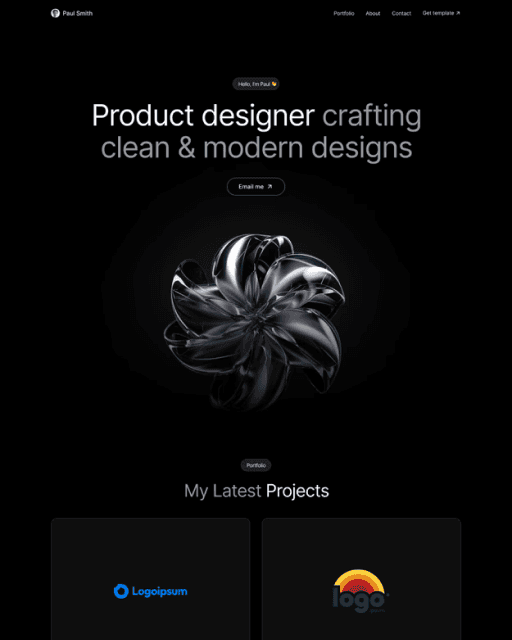
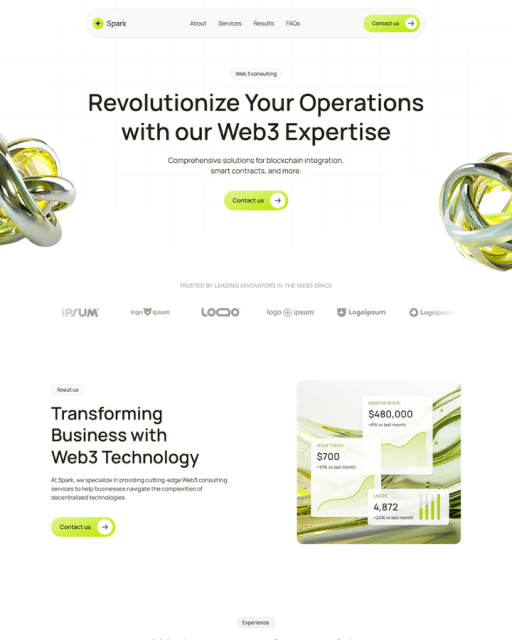
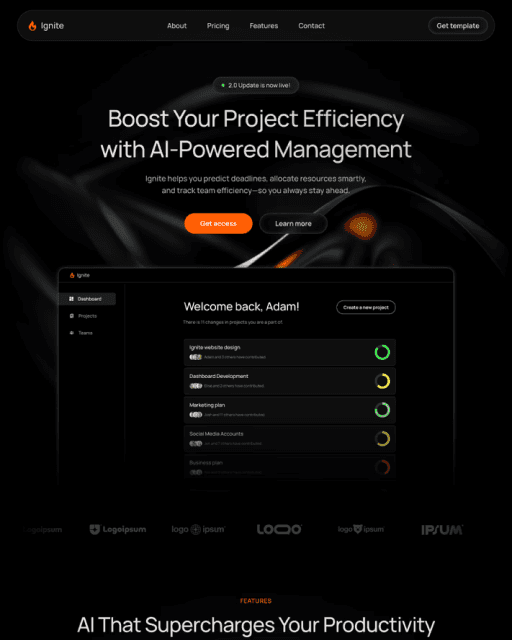
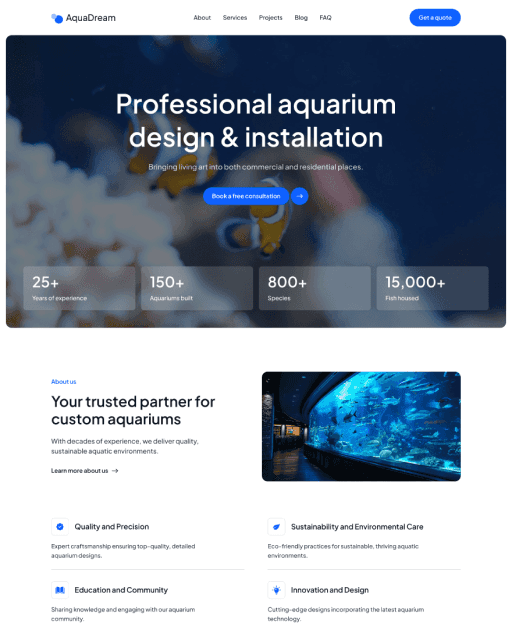
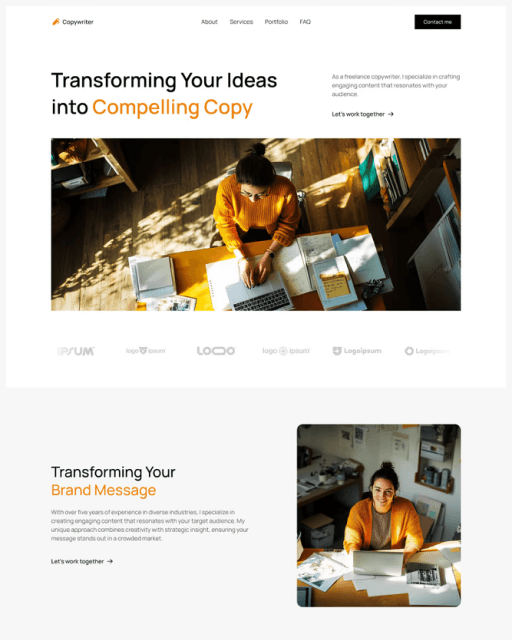
A web3 consulting website needs four focused pages: a homepage with specific positioning (not generic "web3 consulting"), a projects section with structured case studies in problem → approach → result format, a blog for building authority over time, and a simple contact form. Your homepage should lead with what you actually do and for whom, show two or three of your best projects, and close with a direct CTA. Case studies are your strongest sales tool — specificity beats scale every time. A purpose-built Framer template like Spark gives you the full structure ready to customise and publish the same day.
A web3 consulting website has one job: build enough trust that a prospect reaches out before they've even spoken to you. Clients aren't buying a product — they're buying expertise, judgement, and trust — and in a niche where most people have heard more horror stories than success stories, that trust is won or lost before the first conversation.
Before a client reaches out, they've already found your website, read your positioning, looked at your past work, and decided whether you're worth their time. A poorly structured site — or no site at all — ends that process before it starts.
This guide covers exactly what a web3 consulting website needs: which pages to build, what to include on each, and how to get it live fast.
Why Your Online Presence Is Your First Pitch
In web3, most consulting work comes through network introductions and community visibility. The problem with that model is the ceiling it creates — you can only reach as many clients as your network can carry.
A professional website removes that ceiling. It works while you're in meetings. It answers questions before clients ask them. And it signals credibility to warm referrals who look you up before responding to an intro.
What clients check when they land on your site:
That you understand the space (positioning and language signal this immediately)
That you've done this before (your project work is the proof)
That others have trusted you (social proof placed at the right moments)
That there's a clear, low-friction way to get in touch
A LinkedIn profile or Twitter presence gets you found. Your website is where the decision gets made.
What Pages a Web3 Consulting Website Needs
You don't need a large site. A focused set of pages — each with a clear job — covers everything a prospective client needs to move from "interesting" to "let's talk."
Home — Your positioning at a glance. A strong headline, what you do and for whom, a curated selection of your work, and a visible CTA.
Projects / Case Studies — The most important page on your site. This is where clients spend the most time. Structured case studies — problem, approach, result — do far more for conversion than any copy could.
Blog — In web3, published thinking is a credibility signal. Clients hire consultants who visibly understand the space. A blog builds that authority over time and gives you something to share without starting from scratch.
Contact — A single, simple inquiry form. Make it easy to find. Don't make clients hunt for it.
Your Homepage — What to Actually Include
Your homepage has one job: move a visitor from "this looks relevant" to "I want to get in touch." Every section should push that forward.
Hero — Lead with a specific positioning statement. Not "web3 consulting" — that tells a client nothing. Instead: what you help clients do, in language they'd use themselves. Follow with a single CTA.
Work preview — Show two or three of your strongest projects directly on the homepage. Not every project — your best ones. This is what most visitors are actually looking for.
About snippet — A brief, human paragraph about who you are and what you bring to the work. Link through to a fuller About page if you have one.
Contact CTA — Close the page with a specific, low-friction ask. "Book a 30-minute strategy call" outperforms "Contact us" every time.
Case Studies — Your Strongest Sales Tool
Most web3 consultants either have no case studies at all, or a vague list of logos with no context. A structured case study is one of the highest-leverage things you can publish.
The format that works: Problem → Approach → Result.
What was the client trying to do, and what was standing in their way?
What did you actually do? (Be specific about the work, not just the outcome)
What changed? Numbers where possible — but specifics matter more than scale
Keeping your projects in a CMS means you can add new case studies at any time without touching your site's design or layout.
Build From Scratch or Start With a Template?
A custom website for a B2B service business typically costs $3,000–8,000 and takes 6–12 weeks. For most consultants at the growth stage, that's time and money better spent on client work.
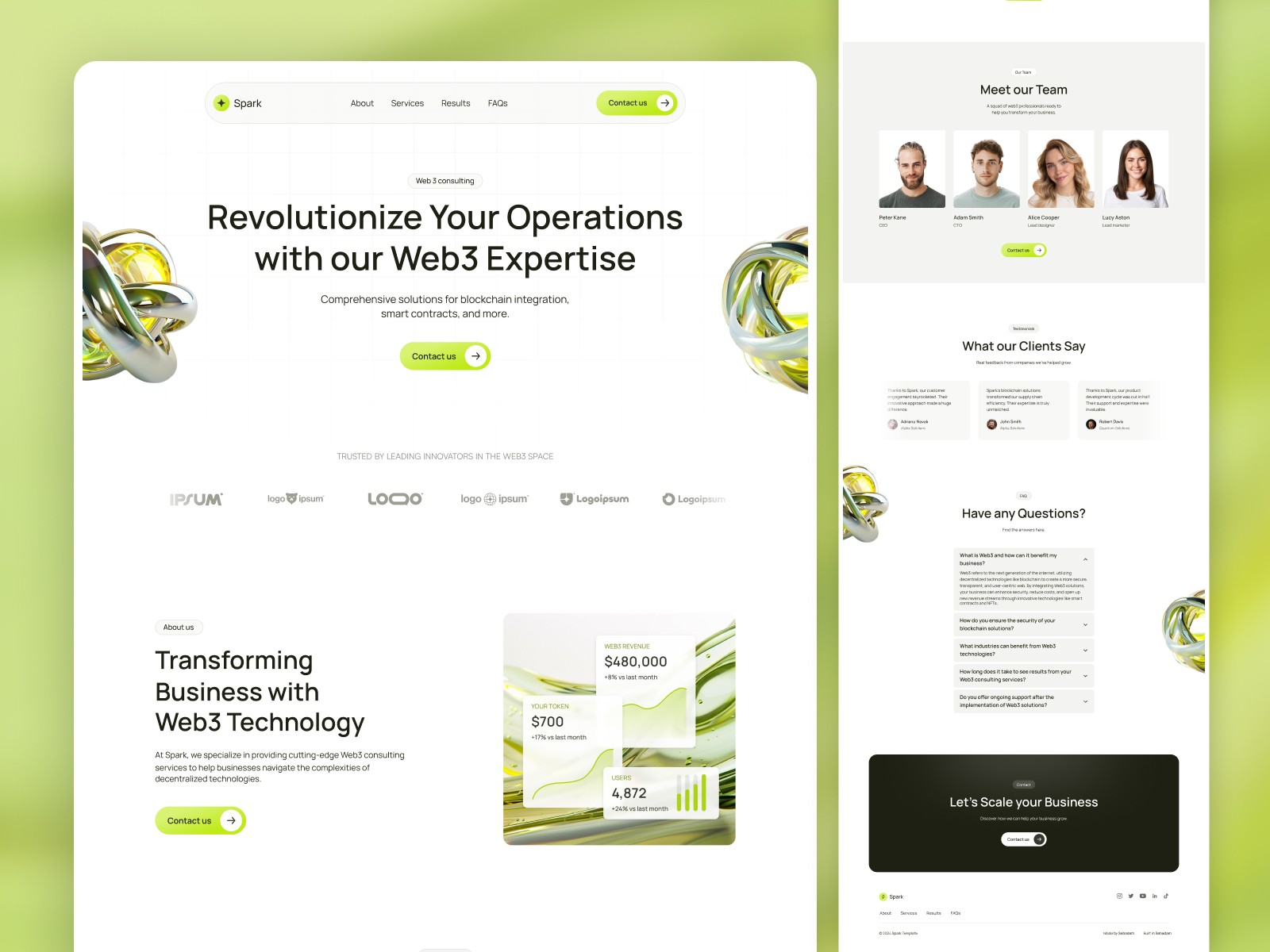
A purpose-built Framer template like Spark gives you a dark, web3-native aesthetic with the homepage structure, project CMS, and blog already in place. Replace the demo content with your own, connect a domain, and you're live — most consultants are up and running the same day.
Frequently asked questions
What should a web3 consulting website include?
At minimum: a homepage with clear positioning, a projects or case studies section, and a contact form. A blog helps build authority over time. Four focused pages will outperform a large generic site with weak content every time.
What design style works best for a web3 consulting website?
Dark, minimal, and precise. The aesthetic should signal that you understand the space — not look like a corporate agency or a DeFi exchange. Clean typography, restrained colour palette, and work that speaks for itself.
How much does it cost to build a web3 consulting website?
A custom site built by a developer typically costs $3,000–8,000. A Framer template gives you a professional, fully functional site for a fraction of that — typically under $100 for the template, plus Framer hosting from $15/month.
How do I show credibility without big-name clients?
Specificity beats scale. A detailed case study for a small project — with real numbers, real context, and clear outcomes — is more credible than a vague logo wall. Focus on the quality of the work and what changed as a result.


