How to Create a Website for Your Aquarium Maintenance Business
Most aquarium maintenance businesses grow through referrals. But word of mouth has a ceiling. A professional website removes it — here's exactly what to build, what pages to include, and how to launch without a developer.

5
min read
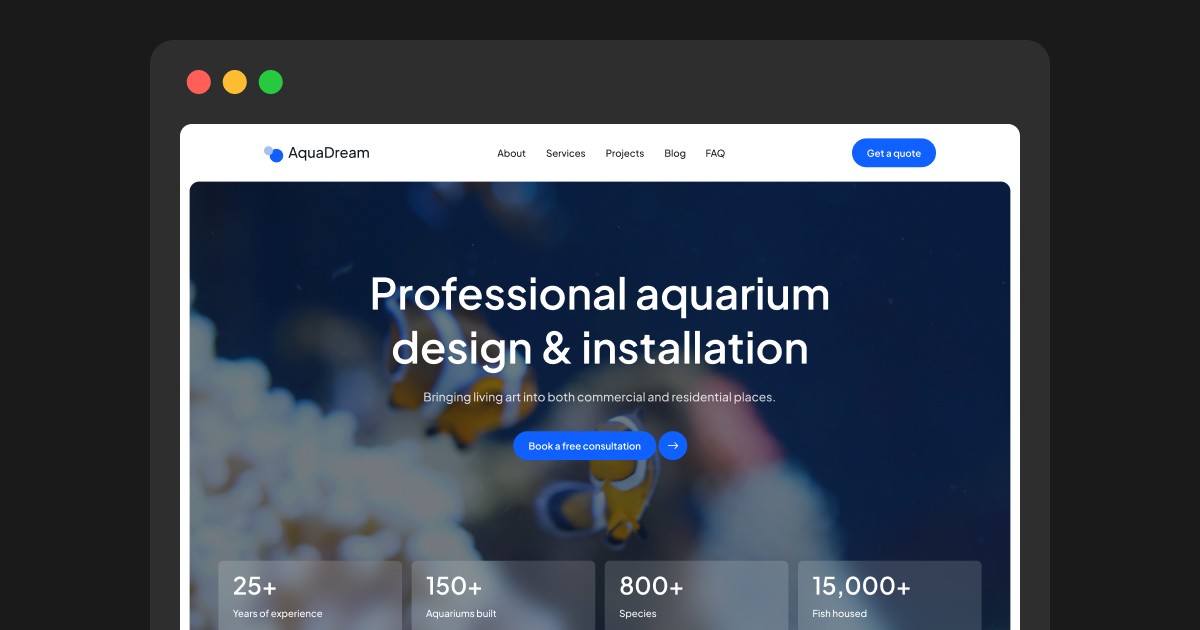


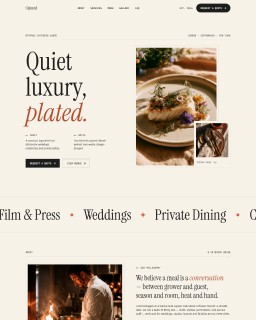
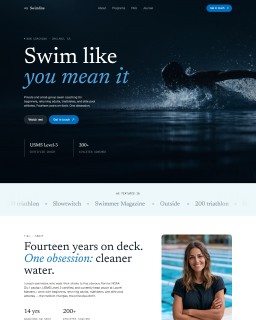
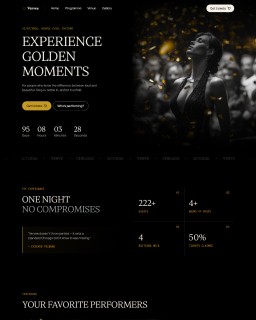
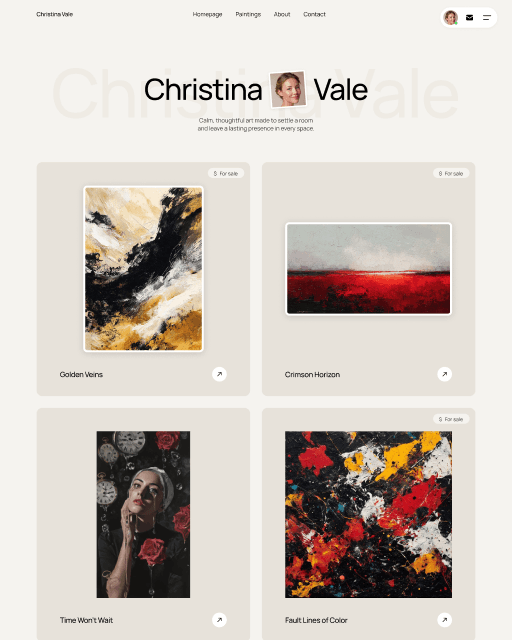
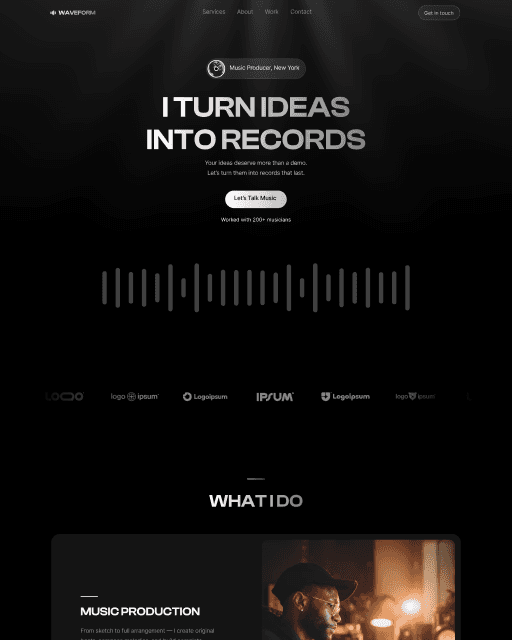
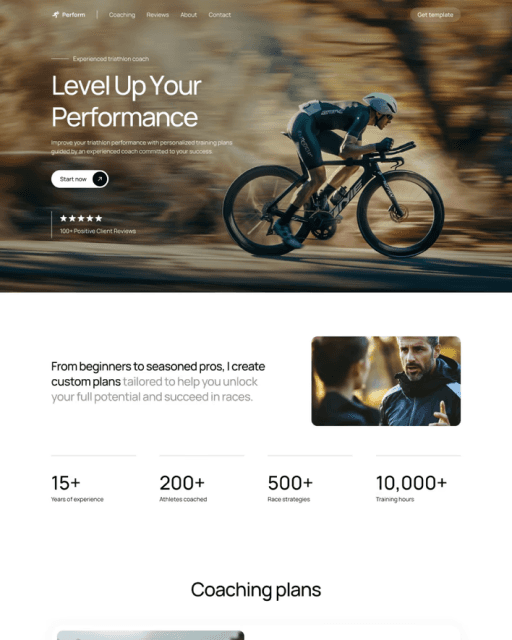


A professional website is how your aquarium maintenance business gets found, builds trust, and converts visitors into enquiries — before you ever pick up the phone. This guide covers every page you need, how to structure each one, and how to launch without a developer.
An aquarium maintenance website turns word-of-mouth into a channel you control — it captures the referrals you already get and brings in new clients searching locally. For most aquarium maintenance businesses the first clients arrive through referrals, and that model works until it stops: word of mouth has a ceiling, and it drops the moment you stop being in the right rooms.
A professional website changes that equation. It works while you’re on a job site, answers questions before clients ask them, and shows completed projects to people who’ve never heard your name.
Here’s exactly what to build.
What Pages You Need
Seven focused pages cover everything a prospective client needs to move from “interested” to “ready to call.”
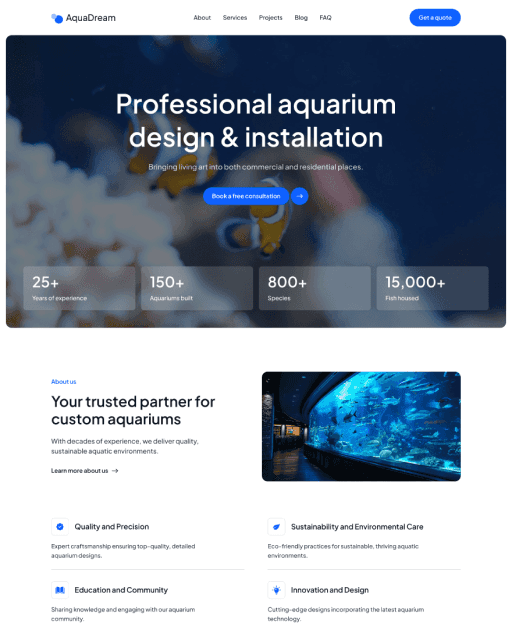
Home — Hero with a clear headline, service overview, project thumbnails, key stats, and a visible CTA.
About — Who you are, how long you’ve been doing this, what makes your approach different.
Services — Design, Installation, and Maintenance each with their own section explaining what’s included.
Projects — Your portfolio, split by commercial and residential work. Blog — Articles that build search authority over time.
FAQ — Pre-answer the five questions every client asks before calling.
Contact — A simple inquiry form. Nothing more.
Homepage: The First 5 Seconds
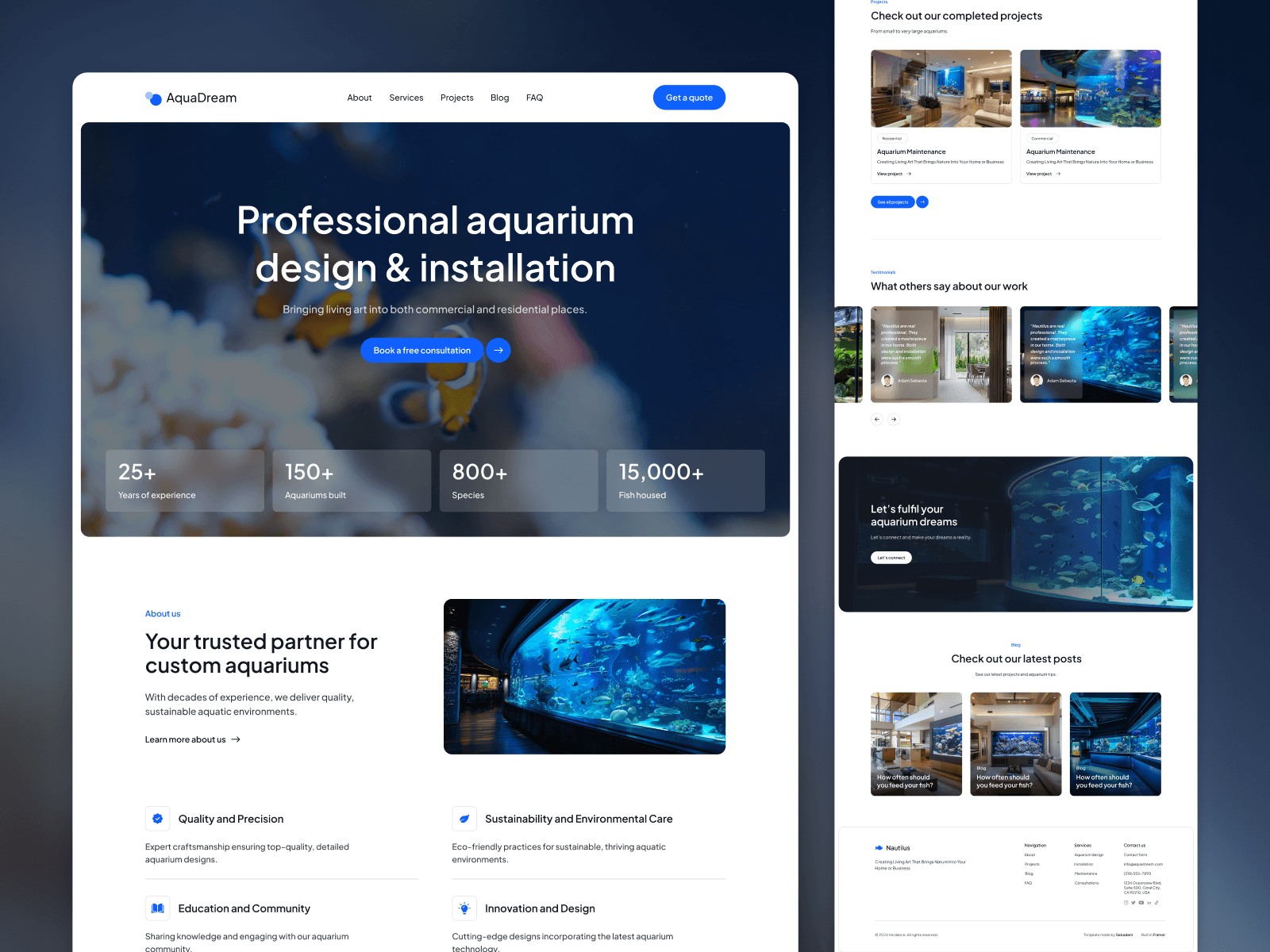
Every section has one job: move the visitor forward.
Hero — Strong project photo, a headline that says exactly what you do, one CTA. “Book a free consultation” beats “Get in touch” every time.
Stats bar — Years of experience, aquariums installed, species maintained. Numbers placed directly below the hero anchor trust before visitors scroll.
Services summary — Three cards: Design, Installation, Maintenance. Brief description, link to the full page.
Project gallery — Your best completed work. This is where most visitors spend the most time.
Testimonials — Place them after the gallery, not at the bottom. That’s where hesitation peaks — and where social proof converts.
Services, Projects & FAQ
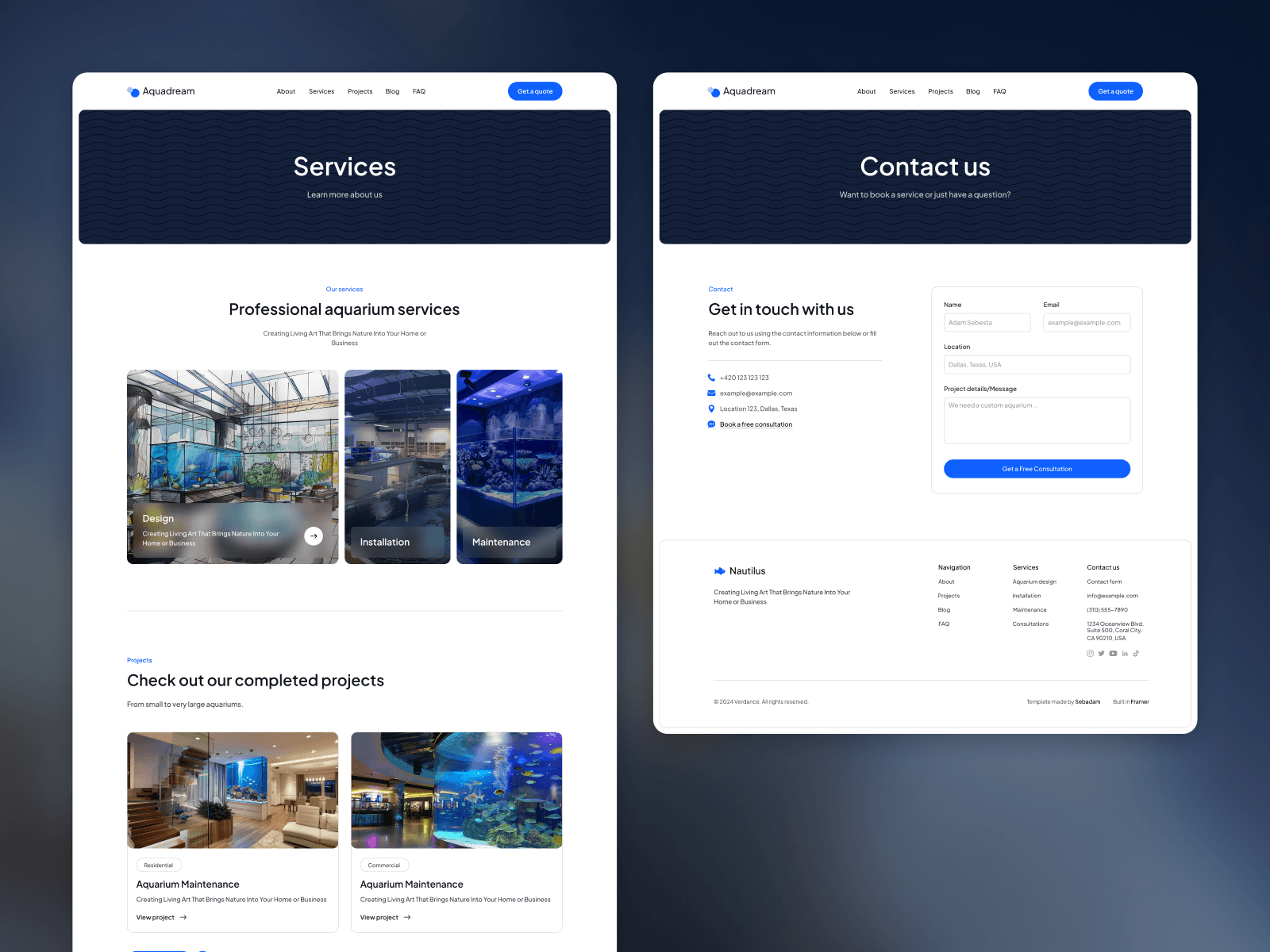
Each service page needs to answer one question: Is this right for my situation? Cover what’s included, typical timeframes, and a starting-from price range if you can. Clients who can self-qualify before calling are better leads.
Your projects page is your strongest sales tool. Split commercial and residential — a restaurant owner wants to see restaurant installs, not home setups. Add a short description per project: tank size, livestock, client type. Two sentences is enough.
FAQ removes hesitation before it kills a lead. Good topics: how the initial consultation works, what’s included in maintenance visits, whether you work with existing tanks. Google also pulls FAQ answers directly into search results — free visibility with no extra effort.
Blog & Local SEO
The aquarium maintenance industry is not competitive online. Most businesses have no content strategy at all, so a small amount of consistent effort goes a long way.
Post once or twice a month on topics like “how often should you service a saltwater aquarium” or “what to expect from a custom installation.” Over a year, this builds meaningful search authority in a niche where your competitors aren’t publishing anything.
For local SEO: claim your Google Business Profile, include location keywords on your service pages (“aquarium maintenance [city]”), and ask every client for a Google review after the job. Ten genuine reviews outperform a perfectly optimised website in local search.
Build From Scratch or Use a Template?
Custom development costs $3,000–$8,000 and takes six to twelve weeks. For most aquarium businesses at the growth stage, that’s too much time and money before a single new client comes through.
A purpose-built Framer template like Aqua Dream gives you all nine pages — stats bar homepage, services CMS, projects split by commercial and residential, blog CMS, FAQ, and a built-in contact form — ready to customise and publish. Replace the demo content, connect your domain, go live. Most businesses are up within 24 hours.
Want to see the alternatives first? Our comparison of the best aquarium website templates puts Aqua Dream next to two WordPress themes, with honest pros and cons.
Frequently asked questions
How much does it cost to build an aquarium maintenance business website?
The range is wide. A custom site with a developer costs $3,000–$8,000 or more. A Framer template gives you a professional, fully functional nine-page site for a fraction of that — typically under $100 for the template plus Framer hosting from $15/month for a CMS plan.
Do I need a blog on my aquarium maintenance website?
Not immediately, but it's worth adding early. A blog builds search visibility over time, especially for local and long-tail searches. In a niche with low online competition, even two posts per quarter makes a meaningful difference within six months.
What's the most important page on an aquarium maintenance website?
Your Projects page. Before a client reaches out, they want to see your work. A portfolio split by commercial and residential — with clear photography and short descriptions — does more for conversion than any other single page.
How long does it take to launch an aquarium maintenance website?
With a purpose-built template, most businesses go live within 24 hours. You're replacing demo content with your own text and photos — the structure, CMS collections, and page layout are already in place. If you want a custom website, it can take from 2 up to 8 weeks.


