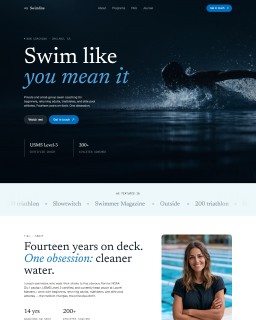
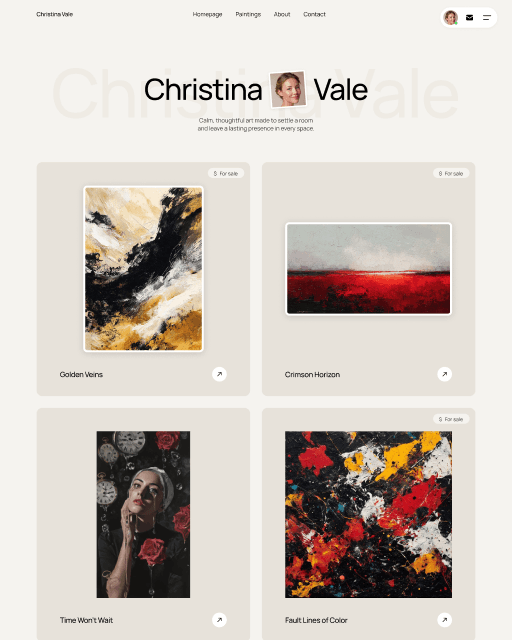
ImageReveal — Viewport-Triggered Image Reveal Framer Component
What is Smooth Image Reveal?
Smooth Image Reveal is a Framer component that animates a color overlay off your image the moment it enters the viewport. The overlay wipes away — left, right, up, or down — with a feathered gradient edge, leaving a clean, smooth reveal instead of a basic fade.
How to use it?
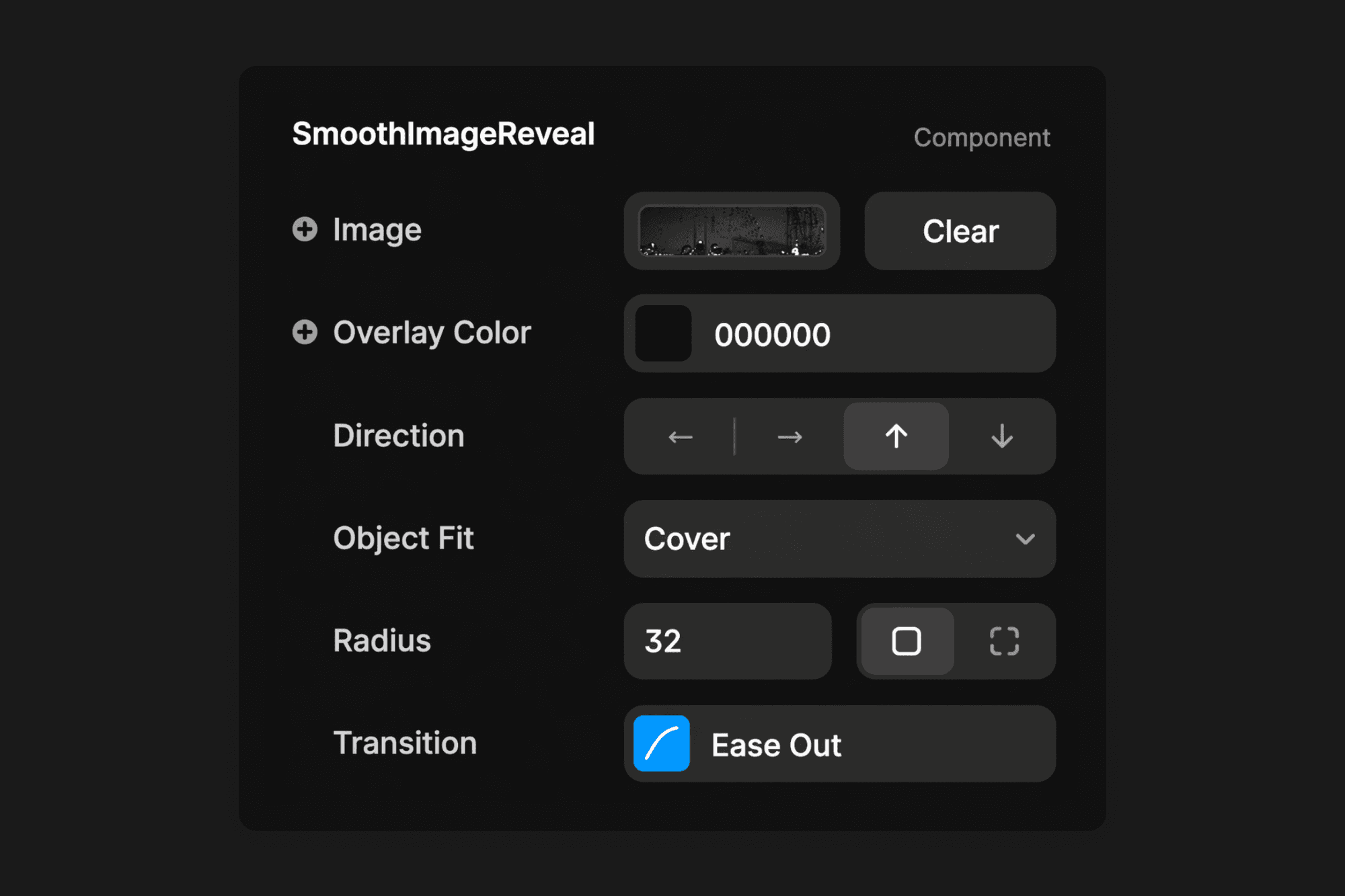
Paste the component URL into your Framer project, drop in your image, and set the overlay color to match your page background. From the properties panel, pick a direction, adjust the transition duration and easing, and optionally add a delay to stagger reveals across multiple images. No code required.
Fully controllable, no code
Overlay color, wipe direction, object fit, border radius, and the full transition — including duration, easing, and delay — are all available in Framer's properties panel. Use delay to stagger multiple reveals for a choreographed entrance sequence.
Features
4 Reveal Directions: Left, right, up, or down — switch with one click.
Custom Overlay Color: Match any background color for a seamless reveal.
Feathered Gradient Edge: Smooth gradient at the wipe edge — not a hard cut.
Delay & Stagger Support: Use Framer's Transition control to delay and stagger multiple reveals.
Viewport Triggered: Fires once when the image enters the viewport.
Object Fit Control: Cover, contain, fill, none, or scale-down.
Border Radius: Rounded corners with full per-corner control.
No Code Required: Every setting lives in Framer's properties panel.
Fully Responsive: Works on desktop, tablet, and mobile.
Frequently asked questions
How do I add Smooth Image Reveal to my Framer project?
Copy the component URL from the marketplace, switch to your Framer project, and paste it directly onto the canvas. The component appears instantly — no install, no setup required.
What can I customize in Smooth Image Reveal?
Everything is controlled from the properties panel. You can set the overlay color, choose the reveal direction (left, right, up, or down), adjust object fit and border radius, and fine-tune the transition — including duration, easing, and delay for staggered reveals.
Can I use Smooth Image Reveal inside a template I bought from Sebadam.supply?
Yes. Smooth Image Reveal is a standalone Framer component and works inside any Framer project, including templates from Sebadam.supply. Just paste it onto your canvas and it's ready to use.
Can I use Smooth Image Reveal in multiple Framer projects?
Yes. Once you have the component URL, you can paste it into as many Framer projects as you want. There are no per-project restrictions.
Categories
Paste it into your project