Website Launch Checklist: Everything to Check Before You Go Live
A complete website launch checklist covering design, content, SEO, performance, and technical setup. Use this before every site goes live to catch what's hard to fix after launch.

9
min read



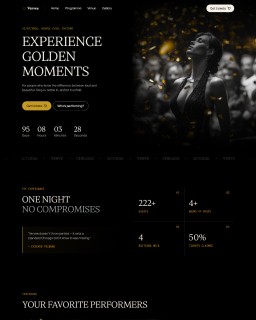


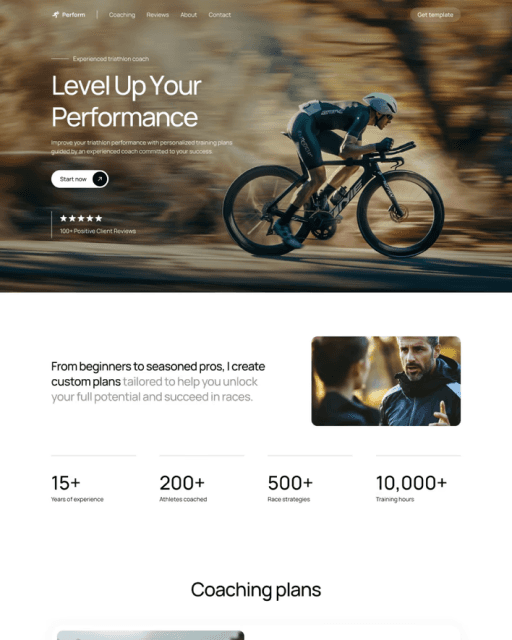
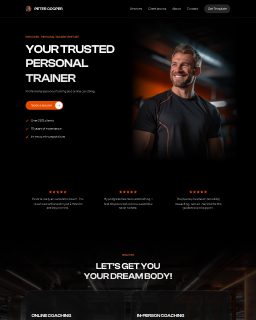




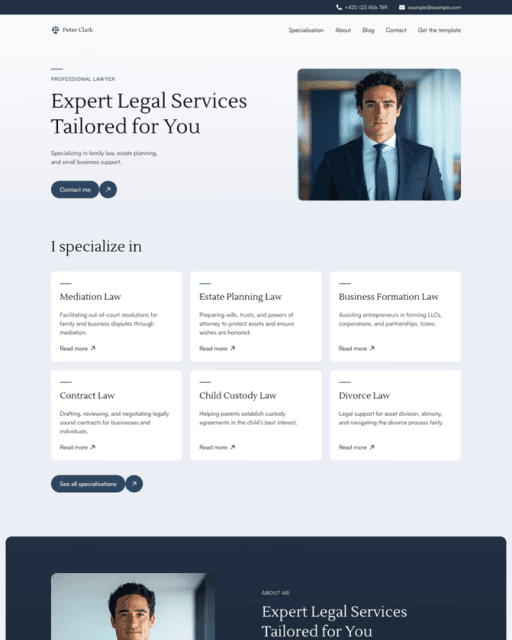




A complete website launch checklist covering design, content, SEO, performance, and technical setup. Use this before every site goes live to catch the issues that are nearly impossible to fix after launch.
Why Most Launch Mistakes Are Avoidable
Launch mistakes fall into three categories: things you forgot to replace, things you forgot to set up, and things you never tested. A web design checklist doesn't replace good work — it protects it. You spend weeks getting the design right. The checklist makes sure none of that gets undermined by a missing favicon or a broken link the day you go live.
Design & Visual Checklist
Most designers skip this category because they assume they've already checked it. They haven't — not systematically. There's a difference between "I've seen every page" and "I've checked every page."
Typography
Font weights and sizes render correctly in Chrome, Safari, and Firefox
No orphaned words or awkward line breaks in headlines
Line height and letter spacing are intentional at every viewport size
Font fallbacks are set in case the custom font fails to load
Layout & Spacing
Consistent spacing between sections — no random gaps or overlaps
Alignment is tight — nothing is accidentally off-grid
All buttons and links have visible hover states
Visual hierarchy is clear: visitors know what to read or click first
Responsive Design
Site looks correct at 375px (iPhone SE), 768px (tablet), 1280px and 1440px desktop
No horizontal scroll on mobile
Text is readable without zooming
Images don't overflow containers on small screens
Navigation works on touch devices — no hover-only interactions
Images & Media
No placeholder or stock images left in
Images are sharp on retina screens — no blurry assets
No images with visible watermarks
Videos don't autoplay with sound
Content Checklist
Content issues are the most embarrassing ones to leave in. They're the first things real visitors notice, and the hardest to unsee once spotted.
Text
Zero Lorem Ipsum placeholder text anywhere on the site
All business details are accurate: name, address, phone, email
Copy is proofread — run it through a spell checker at minimum
CTAs are specific: "Get a quote" not "Click here"
All links in body text point to real, working URLs
Brand
Logo is the correct final version — not a placeholder or low-res draft
Brand colors are applied consistently — no leftover default colors
Social media links point to actual accounts — not "#" or placeholder URLs
Favicon is set and matches the brand
Legal
Copyright year in the footer is correct
Privacy policy is in place if the site collects any data
Cookie consent is set up if the site uses analytics or tracking
Technical Setup Checklist
This is where most non-designers drop the ball. Technical issues are invisible until they break something at the worst possible moment.
Domain & Hosting
Custom domain is connected and resolving correctly
HTTPS is active — the padlock shows in the browser
www and non-www versions redirect to the same URL — no duplicates
Old URLs (if migrating) have 301 redirects set up
Forms & Integrations
Every contact form has been tested with a real submission
Form notification email lands in the right inbox — not spam
Notifications go to the right email address — not a placeholder
Third-party integrations (calendars, payment processors) are live and configured
Analytics
Google Analytics is installed and tracking
A test visit shows up in real-time reports
Conversion events are set up for form submissions
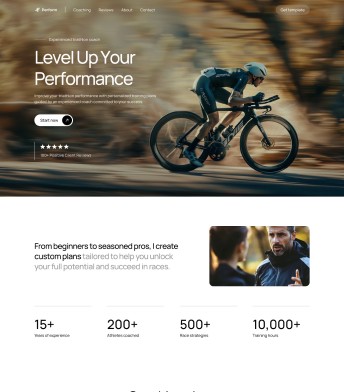
Framer handles most of the technical layer automatically — HTTPS, sitemap generation, domain redirects, performance optimization. If you're starting from a Framer template, you're already ahead: the structure is built, the code is clean, and the site is ready to customize on day one. Browse sebadam templates, make it yours using the Framer launch checklist, and go live faster than building from scratch.
Your website could be live by tomorrow.
16+ free and premium Framer templates — professionally designed, fully customizable, no coding needed. Starting from $0.


SEO Checklist
Getting SEO right at launch is significantly easier than fixing it afterward. These are the items that matter from day one.
On-Page
Page title is set and contains the primary keyword — not "Home" or "Untitled"
Meta description is written (155–160 characters) — not auto-generated
H1 exists and is unique on every page
Images have descriptive alt text — not "image1.jpg"
URL structure is clean and descriptive
Technical SEO
Sitemap.xml is generated and submitted to Google Search Console
Robots.txt is not blocking important pages
No accidental "noindex" tags left from development
Open Graph
Performance Checklist
A site that loads slowly loses visitors before they read a word. Performance is part of the design — not a separate concern.
Images
All images are in WebP format, or compressed JPEGs at minimum
No image is larger than needed for its display size
Hero images are under 200KB where possible — 500KB absolute maximum
Lazy loading is on for images below the fold
Speed
Final Walkthrough Before Launch
Before you publish, do one complete walkthrough as a first-time visitor. This catches the things systematic checks miss.
Open the site in an incognito window — no cached data, no extensions
Click every link on every page, including nav, footer, and all CTAs
Submit every form and confirm you receive the notification
Resize the browser from 375px to 1440px — watch for anything that breaks
Check in Chrome and Safari — this covers 85%+ of real users
Read the homepage copy out loud — you catch things your eyes skip
Once everything passes, you're ready to go live.
Frequently asked questions
What should I check first before launching a website?
Start with content — replace all placeholder text and images, confirm business details, and check every link. These are the most visible issues and the easiest to miss after weeks of working on the design. Technical and SEO checks come after the basics are confirmed.
What is the most common mistake when launching a website?
Not testing the contact form with a real submission. Visitors fill it out, you never receive it, and you have no idea. Always send a test message and confirm the notification arrives in the right inbox — every time, before every launch.
Do I need to submit my website to Google after launch?
Yes — Google won't find a new site quickly on its own. Right after publishing, submit your sitemap through Google Search Console. It's free and speeds up how fast Google indexes your pages. If you're on Framer, sitemap generation is automatic — submitting it takes seconds.
What tools do I need to check a website before launch?
Google PageSpeed Insights for performance, opengraph.xyz for social preview, and a manual walkthrough in Chrome and Safari for usability. For SEO, Google Search Console is essential once the site is live. For link checking, Screaming Frog's free tier crawls up to 500 URLs.