How Many Pages Should a Website Have?
There's no universal answer — but there is a right answer for your situation. Here's how to figure out exactly how many pages your website needs.

7
min read


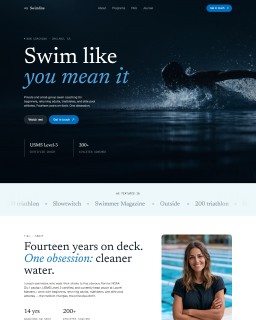
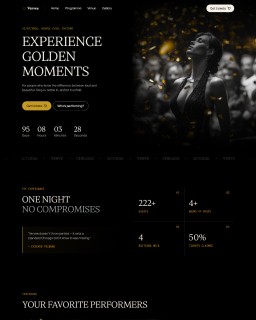
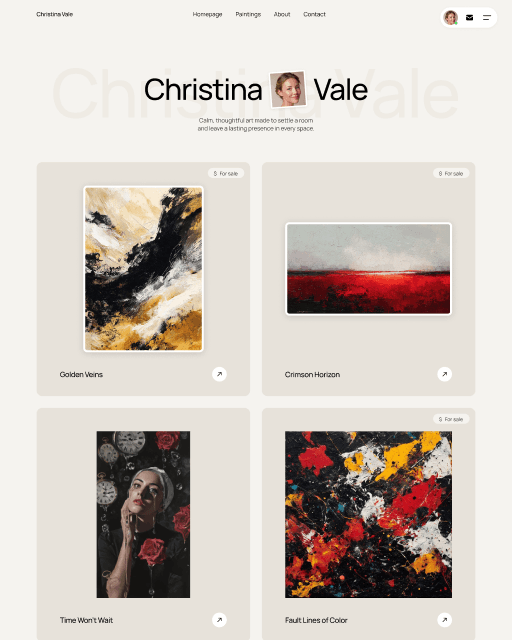
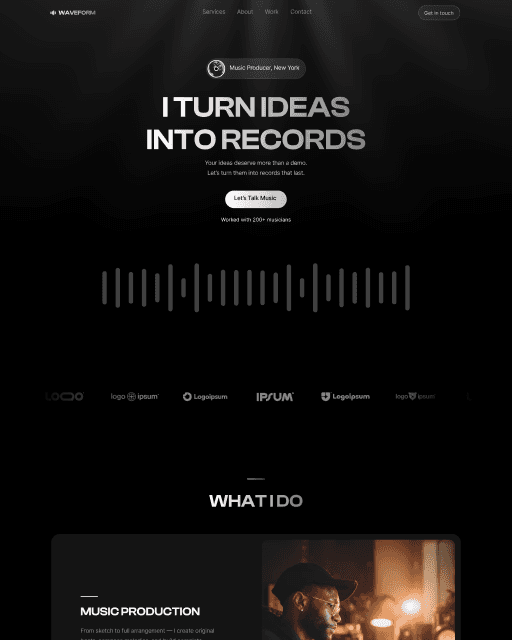
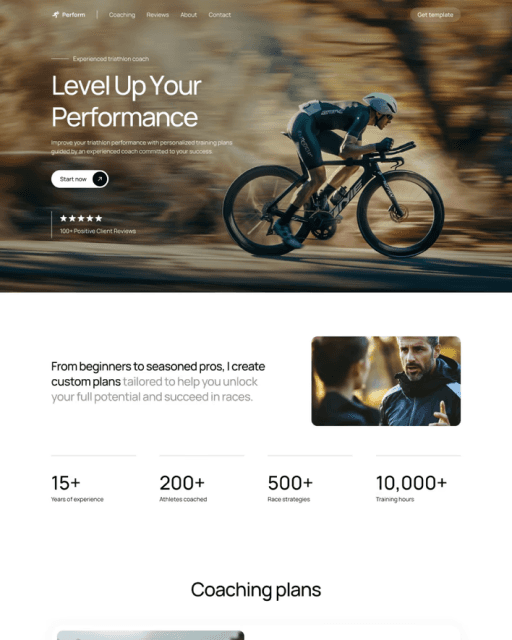

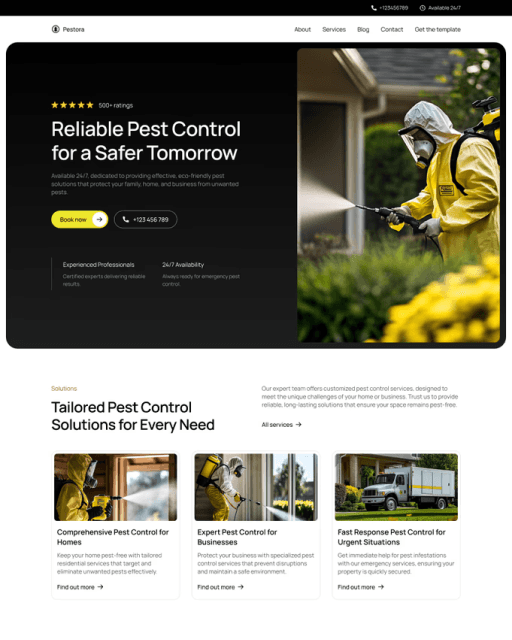
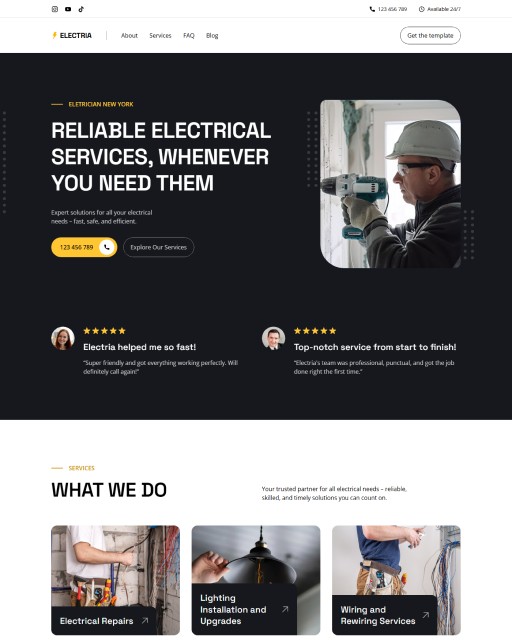
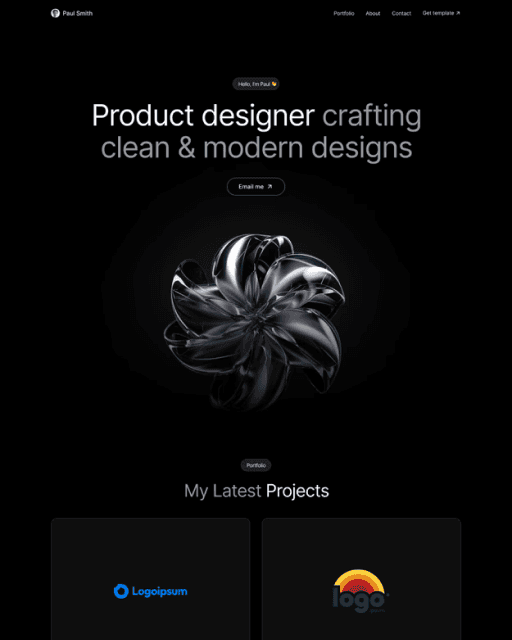
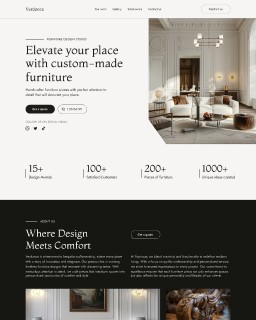
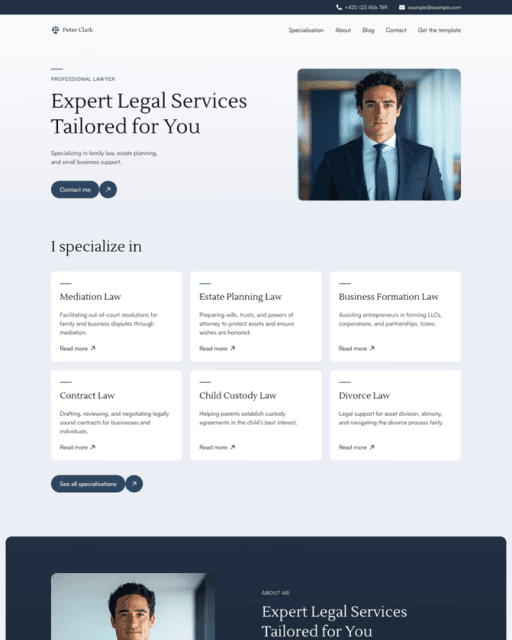
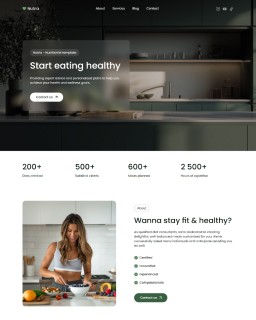
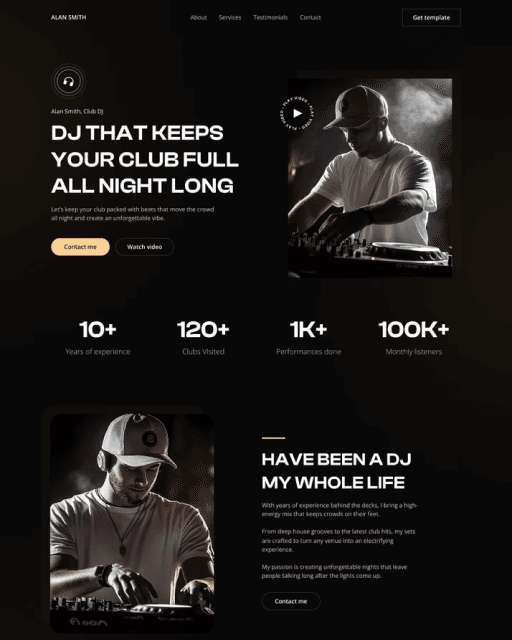
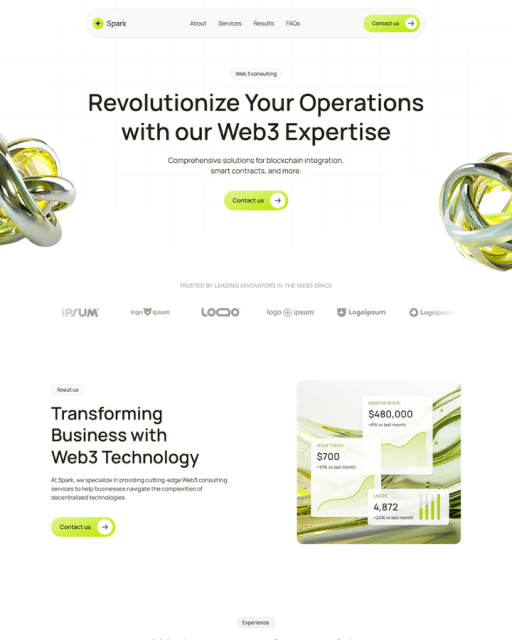

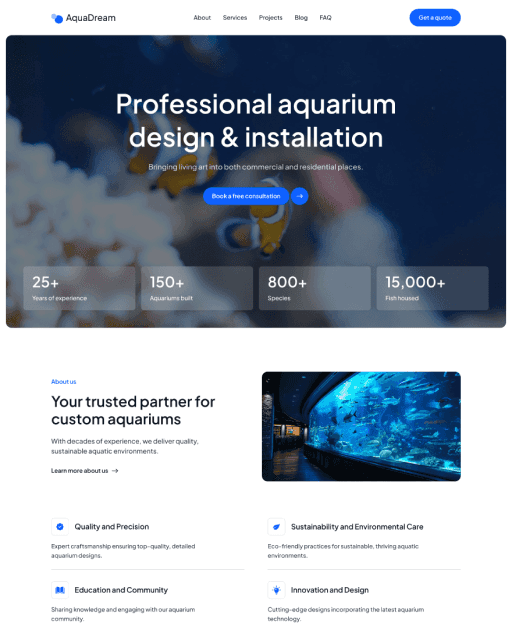
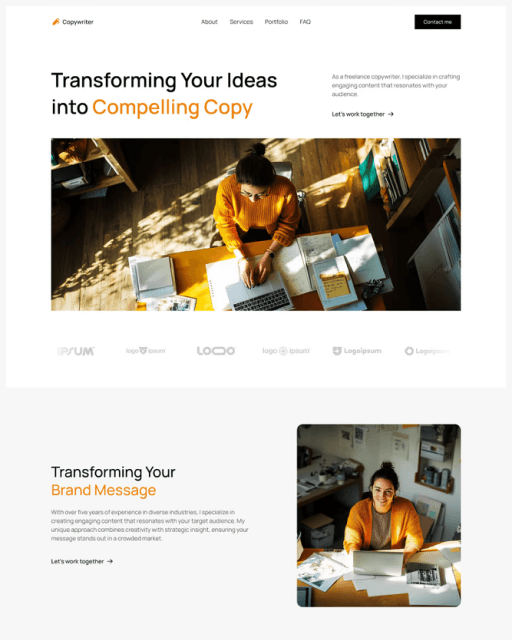
Most people overthink this. The number of pages your website needs depends on what your business does, who you're trying to reach, and what you want visitors to do next. This guide breaks it down clearly.
The honest answer: it depends
There's no magic number. A freelance photographer might need 4 pages. A software company might need 40. A local plumber might do just fine with one well-built landing page.
What actually matters isn't the count — it's whether every page on your site has a clear job to do. A website with 3 focused, well-written pages will almost always outperform a 12-page site where half the pages exist because someone thought "we should probably have that."
That said, there are patterns that work. And there are mistakes that waste time and confuse visitors. This guide covers both.
The 3 pages every website needs
If you're starting from scratch, these three pages are your foundation. Everything else is optional until you have a reason to add it.
Homepage — Your most important page. It answers three questions immediately: what you do, who it's for, and what to do next. If your homepage can't answer those three things in under 10 seconds, everything else on your site is working uphill.
About page — People buy from people. An About page gives visitors context: who's behind this, why it exists, and whether they can trust you. For service businesses especially, this page is often the second most visited after the homepage.
Contact page — Make it easy to reach you. A contact form, an email address, a phone number, your location if relevant. The simpler the better. If visitors can't figure out how to get in touch quickly, they leave.
These three pages cover the core journey: arrive → understand → get in touch. Everything you add after that should serve a specific purpose beyond what these three already do.
Your website could be live by tomorrow.
16+ free and premium Framer templates — professionally designed, fully customizable, no coding needed. Starting from $0.
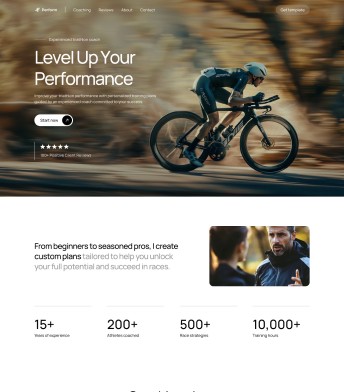
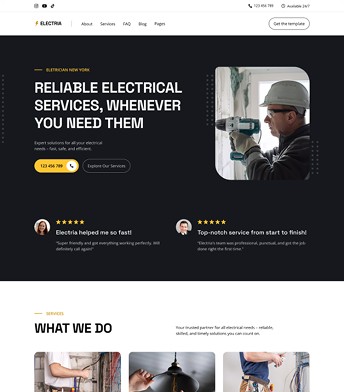

What pages a service business website should have
Service businesses — coaches, consultants, designers, lawyers, contractors, therapists — typically need a few more pages to properly support the decision to hire someone.
Services page — If you offer more than one service, or if your main service has enough nuance to deserve its own explanation, a dedicated services page helps. It also helps with SEO, since people often search for specific services by name.
Portfolio or case studies — If the work speaks for itself, show it. A projects page, a results page, or a gallery of past work gives visitors proof that you can actually deliver. This is especially important if you're in a visual field — design, photography, architecture, interior design — or if results are hard to convey in a sentence.
Testimonials page (optional) — If you have strong client quotes or reviews, a dedicated testimonials page can support the decision process. Though many service businesses get away with weaving testimonials into their homepage and services page instead.
Blog (optional, but valuable for SEO) — A blog isn't essential at launch, but if you're investing in organic search traffic, it's one of the highest-leverage things you can add. Each post is a new entry point to your site. Even two or three well-written posts targeting the right keywords can bring consistent traffic over time.
What pages an e-commerce website should have
Online stores have different structural needs. Beyond the basics, you'll typically want:
Product or collection pages — The core of any store. Each product needs its own page, and collections (groupings of related products) help visitors browse and find what they're looking for.
FAQ page — E-commerce customers have questions about shipping, returns, sizing, and materials before they buy. A well-written FAQ page reduces support emails and removes last-second hesitation.
Shipping and returns page — Separate from FAQ, this page should be easy to find and clearly written. Customers check this before purchasing. Vague or buried policies lose sales.
Privacy policy and terms — Required in most regions for any site that collects data (which is every site with a contact form or analytics installed). These don't need to be elaborate, but they need to exist.
When one page is actually enough
One-page websites get unfairly dismissed. For many businesses, especially early-stage ones or those with a simple, focused offer, a single well-built page works better than a multi-page site.
One page works well when:
You have one primary offer and one type of customer
You're launching fast and want something live before building out further
Your goal is getting someone to book a call or fill out a form — not browse multiple services
You're a solo freelancer, a local business, or running a single product or service
One-page sites also load faster, are easier to maintain, and force you to be concise — which is usually a good thing. The navigation is simpler, and visitors don't get lost between pages.
The tradeoff is SEO reach. With one page, you can only effectively target one or two keywords. Multi-page sites have more surface area for search. If organic traffic is a priority, you'll eventually want to grow beyond a single page — but there's no rush to do that on day one.
The mistake of building too many pages too soon
More pages is not better. This is one of the most common website mistakes, and it creates real problems.
Thin content hurts SEO. Google evaluates page quality, not quantity. A site with 15 pages that each have 200 words of generic copy performs worse in search than a site with 4 pages that each have thorough, useful content. According to Google's own guidelines, pages should provide clear value to users — not just exist to fill a sitemap.
It confuses visitors. Navigation with too many items creates decision paralysis. People don't know where to click. The cleaner the path, the higher your conversion rate.
It spreads your attention thin. Every page needs good copy, good design, and good maintenance. When you have too many pages, most of them get neglected — and neglected pages drag everything down.
The better approach: launch with fewer, better pages. Add new pages only when there's a clear reason — a new service, a new audience, a new keyword opportunity worth targeting.
How to decide what pages you need right now
A simple framework:
Step 1: Define your goal. What do you want visitors to do? Book a call? Buy a product? Subscribe to a list? Every page should contribute to that goal in some way.
Step 2: Map the journey. Think about how someone goes from not knowing you to trusting you enough to take action. What questions do they need answered along the way? Each page answers a set of questions. If two pages answer the same questions, merge them.
Step 3: Start lean. Launch with the minimum. Homepage, About, Contact, and maybe one service or product page. Add pages as you identify real gaps — a question visitors keep asking, a keyword with traffic potential, a new service that deserves its own real estate.
Step 4: Check your analytics. Tools like Google Search Console show you which pages are getting traffic and which aren't. Pages with zero visits after 6+ months are candidates for consolidation or deletion, not expansion.
If you're building on a template, the page structure is often already solved for you. Most well-designed templates come with 2–4 pages that cover the essential journey — you swap in your content and launch, rather than making structural decisions from scratch.
CTA
If you're building your first website and don't want to make structural decisions from scratch, Framer templates come with the right page structure already in place — designed for small businesses and service providers. You focus on the content; the layout is already figured out.
Frequently asked questions
Does having more pages help with SEO?
It can — but only if each page targets a specific keyword and provides real value to visitors. Pages created just to add volume, with thin or duplicate content, will hurt rather than help. Quality and focus matter more than page count. A small site with excellent content consistently outranks a large site with mediocre pages.
Do I need a blog on my website?
Not at launch, but it's worth adding when you're ready to invest in organic traffic. A blog lets you target informational keywords, attract visitors who are researching rather than actively buying, and build authority in your niche over time. Two to three well-researched posts can drive consistent traffic for months or years.
What's the difference between a one-page and a multi-page website?
A one-page site puts all your content — hero, services, about, contact — on a single scrollable page. A multi-page site separates these into distinct URLs. One-page sites are faster to build and simpler to navigate, but have less SEO surface area. Multi-page sites allow you to rank for more keywords and organize more complex content. For most people starting out, one page is fine.
How do I know if I need to add a new page?
Add a page when you have a specific reason: a new service worth detailing, a keyword with meaningful search volume that deserves its own page, or a question visitors ask repeatedly that deserves a full answer. Don't add pages to fill a sitemap. Every new page should earn its place by serving a clear purpose for your visitors.