Framer Magnetic Play Button Component
Payment secured by
What Is the Magnetic Play Button?
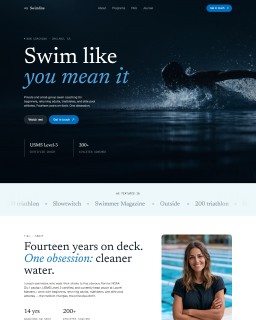
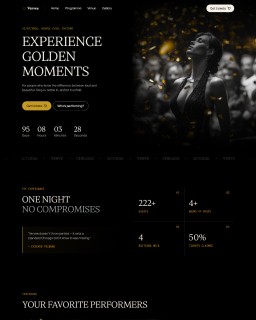
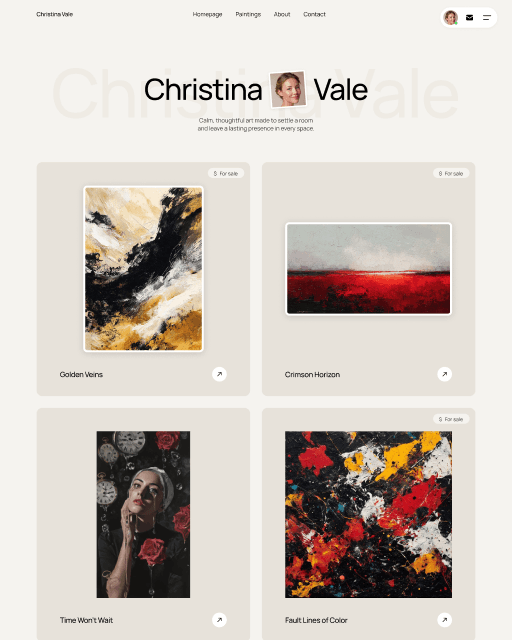
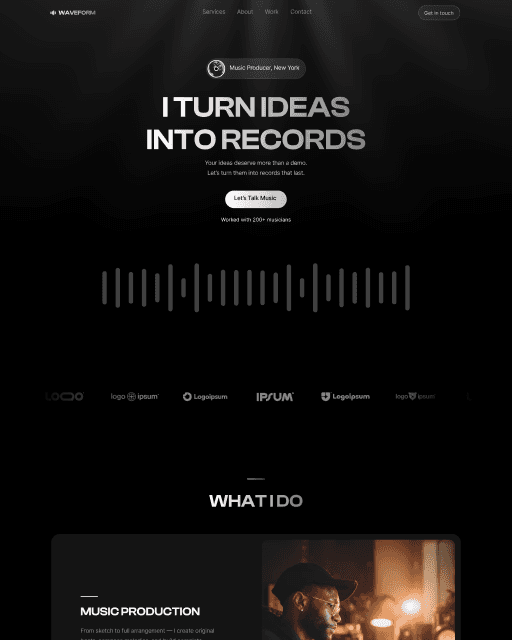
The Magnetic Play Button is a Framer component designed to stop the scroll and guide visitors to open a video. When a user hovers over it, the button physically pulls toward the mouse — a smooth, physics-based magnetic effect — then snaps back the moment the cursor leaves. It’s a small interaction that makes a big first impression.
No extra libraries, no custom code. The animation runs on Framer’s built-in motion engine and works out of the box.
How to Wire It
Paste the component on your canvas, open the properties panel, and set the Link property to your YouTube, Vimeo, or any other URL. That’s it — the button is ready to go.
Where It Works Best
The Magnetic Play Button is built for hero sections and above-the-fold placements where grabbing attention matters most. It performs especially well on agency websites, portfolio pages, SaaS landing pages, and any Framer template where a static play button would feel flat. If you’re building on a Framer template, this component drops in without any layout adjustments.
Features
Magnetic cursor-following hover effect
Physics-based animation — snaps back when cursor leaves
Set any link: YouTube, Vimeo, or custom URL
Customizable: color, label text, blur, shadow
Renders as standard tap target on mobile — no broken layout
No coding required — everything in the properties panel
Compatible with any Framer project or template
Frequently asked questions
How do I add Magnetic Play Button to my Framer project?
Purchase the component on this page to receive the component URL. Then open your Framer project, click anywhere on the canvas, paste the URL, and the button appears ready to customize.
What can I customize in Magnetic Play Button?
Link, label text, button color, blur, and shadow are all available as variables in the properties panel. No code needed.
Can I use Magnetic Play Button in multiple Framer projects?
Yes — once you have the component URL, you can paste Magnetic Play Button into as many Framer projects as you like.
Can I use Magnetic Play Button inside a template I bought from Sebadam.supply?
Yes — Magnetic Play Button is compatible with any Framer project, including all templates from Sebadam.supply. Paste it onto your canvas and customize it to match the template's design.