How to Build a Designer Portfolio Website That Gets You Hired
Most designer portfolios show the work but skip the story. Here's the exact structure that gets you hired — the right sections, what to write in each, why case studies beat screenshots, and how to launch without a developer.

8
min read


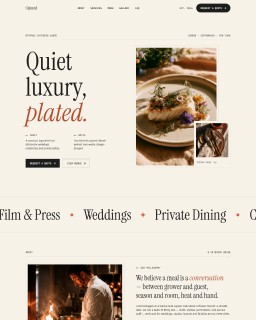
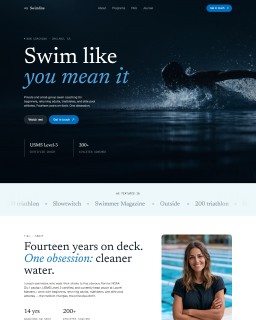
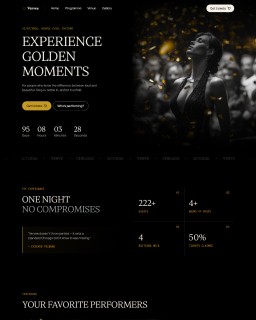
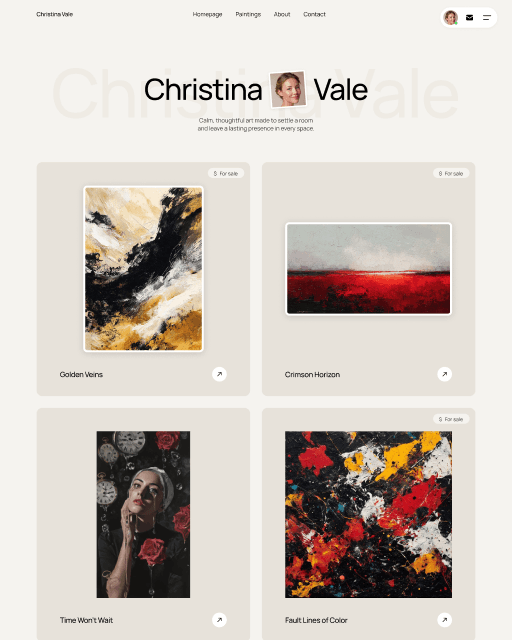
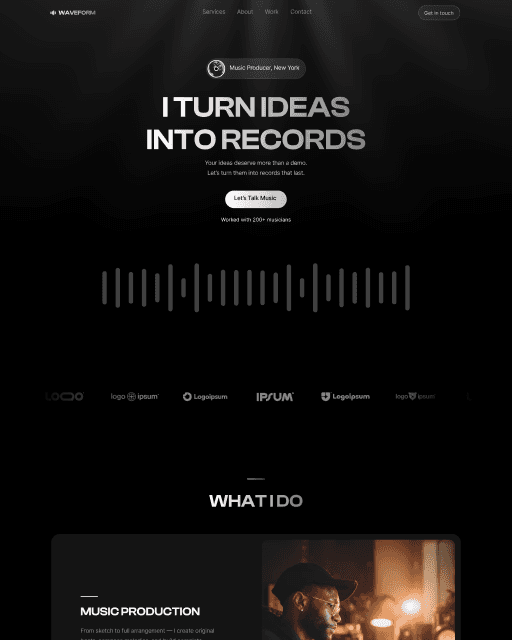
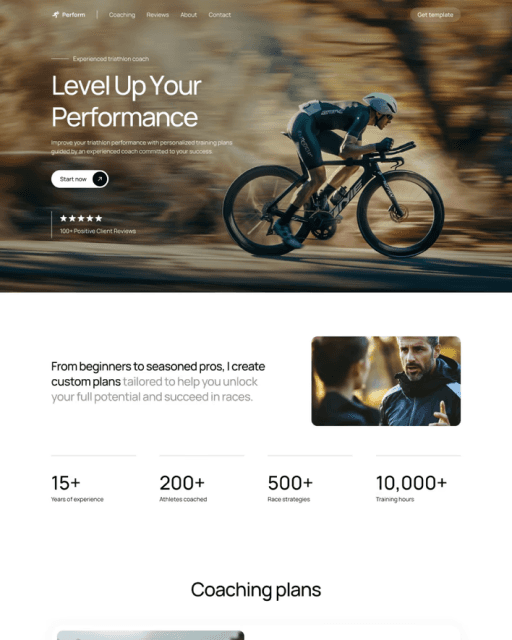
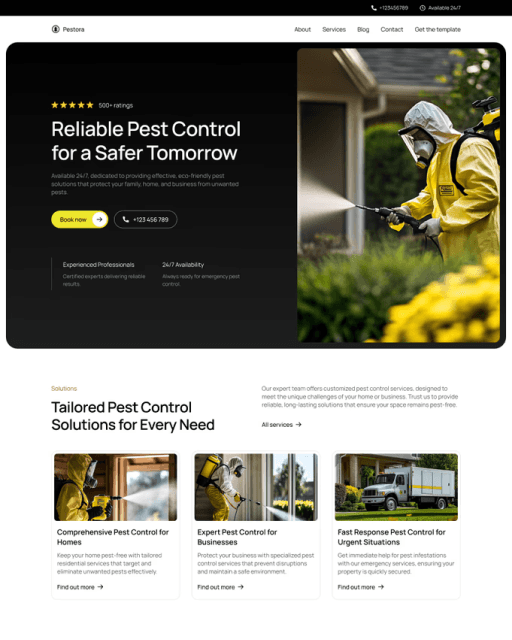
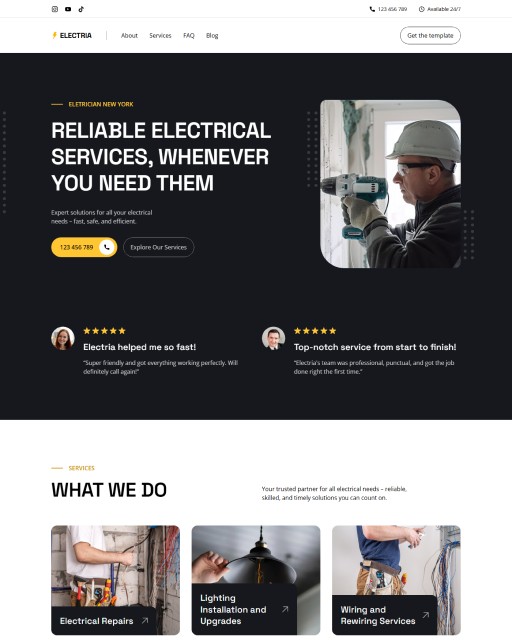
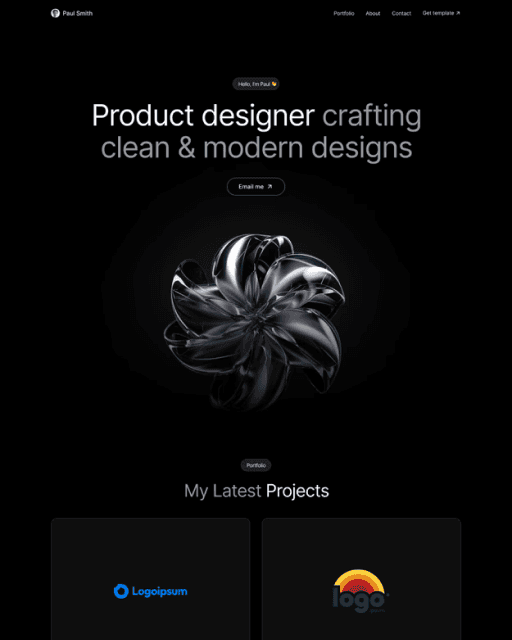
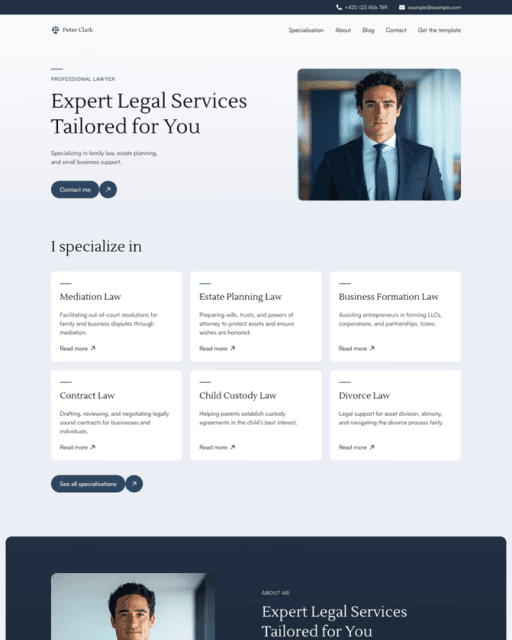

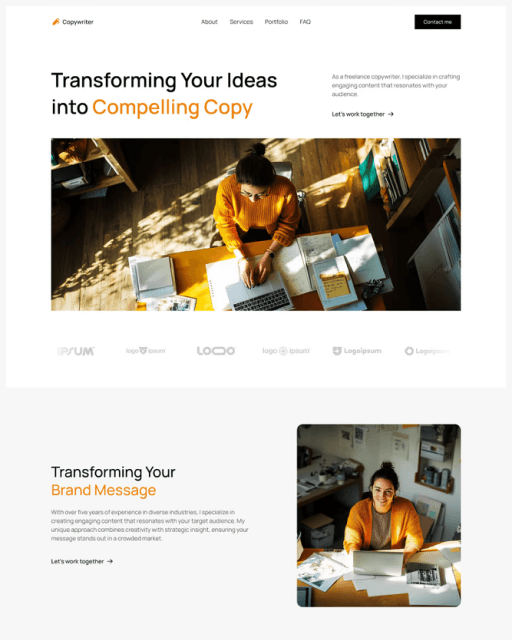
A portfolio website isn't a gallery — it's a sales tool. Here's the structure that actually gets designers hired: the right sections, what to write in each one, why case studies beat screenshots, and how to launch without a developer.
A portfolio website isn’t a gallery — it’s a sales tool. The best design work in the world won’t get you hired if the site around it doesn’t tell a hiring manager or client what you do, who you’ve done it for, and why they should trust you with their project. Most designer portfolios get this wrong: they show the work but skip the story.
This guide covers exactly how to build a portfolio website that gets you hired — the sections you need, what to write in each one, why case studies beat screenshots, and how to launch without a developer.
Why Most Designer Portfolios Don’t Get Clients
Before fixing the structure, it helps to understand what’s going wrong. Most designer portfolios fail for the same handful of reasons:
The hero says nothing. “Designer & creative” tells a visitor nothing about your discipline, your level, or who you help. Someone landing on your site is deciding in a few seconds whether you’re the right kind of designer for them. If the hero doesn’t answer that, they leave.
The work has no context. A grid of pretty thumbnails looks nice but proves nothing. Clients and hiring managers want to know the problem, your role, and the outcome. A screenshot with no story is decoration, not evidence.
There’s no clear next step. A portfolio without an obvious way to get in touch — a visible CTA, an email, a contact form — leaks every interested visitor. If someone likes your work, make it effortless to reach you.
There’s no personality. Design is a relationship business. An about section that’s a single line, or missing entirely, removes the human connection that turns “nice work” into “let’s talk.”
The Sections Your Portfolio Website Needs
You don’t need a dozen pages. But a single wall of thumbnails isn’t enough either. Here’s the core structure that actually gets designers hired:
Hero — Your positioning in one line. Discipline + who you help + proof. “Product designer helping SaaS teams ship clearer interfaces” beats “Designer & creative” every time. Add a clear CTA and, ideally, an availability signal.
Selected Work — Not everything you’ve ever made. Four to eight of your strongest, most relevant projects. Quality and relevance beat volume — a focused set of six great projects outperforms twenty mixed ones.
Case Study / Project pages — Where the hiring decision is actually made. Each project gets its own page: the problem, your role, the process, and the result. This is the single biggest thing separating portfolios that get interviews from portfolios that get ignored.
About — Your story and credibility. Who you are, what you specialise in, who you’ve worked with, and a photo. This is where the relationship starts — write it like a human, not a CV.
Services — If you freelance, spell out what you offer and how you work. Clarity here pre-qualifies enquiries so you spend less time on calls that go nowhere.
Testimonials — Social proof from real clients with names and roles. A single specific quote about a result outperforms three vague ones about being “great to work with.”
Contact — One simple form or a visible email. Don’t hide it behind a menu. Many visitors won’t fill in a form — give them a direct email too.
Blog (optional) — Worth adding if you want long-term search traffic. Writing about your process and your field builds authority and brings people to your portfolio who weren’t looking for you yet.
What to Write in Each Section
Knowing which sections to include is step one. Knowing what to write is where most designers freeze.
Hero formula: discipline + audience + outcome. Be specific about what you do and who for. A UX designer, a brand designer, and a motion designer should have three completely different heroes — vague positioning helps no one.
Project captions: for each piece of work, answer three questions in a sentence or two — what was the problem, what did you do, what happened. “Redesigned the onboarding flow, cutting drop-off by 30%” tells a story. “Onboarding UI” does not.
About page: lead with what you specialise in and who you’ve worked with, then your story. A short, human paragraph outperforms a bulleted list of tools every time. Tools go at the bottom, if at all.
Call to action: tell people exactly what to do next. “Available for freelance projects — get in touch” is clearer than a lonely “Contact” link in the footer.
Case Studies Matter More Than Screenshots
If you take one thing from this guide: invest in case studies. A hiring manager reviewing a shortlist isn’t looking for the prettiest thumbnail — they’re looking for evidence that you can think, solve problems, and work with a team.
A good case study walks through the problem you were given, the constraints, the decisions you made and why, and the outcome. It doesn’t need to be long. Three or four strong case studies with real reasoning will get you further than fifteen projects shown as static images. This is why a portfolio template with dedicated project pages — powered by a CMS so you can add new work easily — is worth choosing from the start.
Single-Page or Multi-Page — Which to Choose
A single-page portfolio is fast to build and works well if you have a small, focused body of work or you’re early in your career. Everything lives on one scroll: hero, a few projects, about, contact.
A multi-page portfolio with dedicated case study pages is the better long-term choice if your work benefits from depth, or you want to rank in search. Each project page can bring in traffic on its own, and you have room to tell the full story behind each piece.
If you’re not sure, start with a template that supports both — a CMS-driven portfolio lets you begin simple and add case study pages as your work grows, without rebuilding.
How to Launch Your Portfolio Website Without a Developer
You don’t need to hire a developer or learn to code. A Framer portfolio template gives you the professional structure above — hero, selected work, case study pages, about, contact — that you customise directly in Framer’s visual editor. Connect your domain and publish. Most designers go live in under 24 hours.
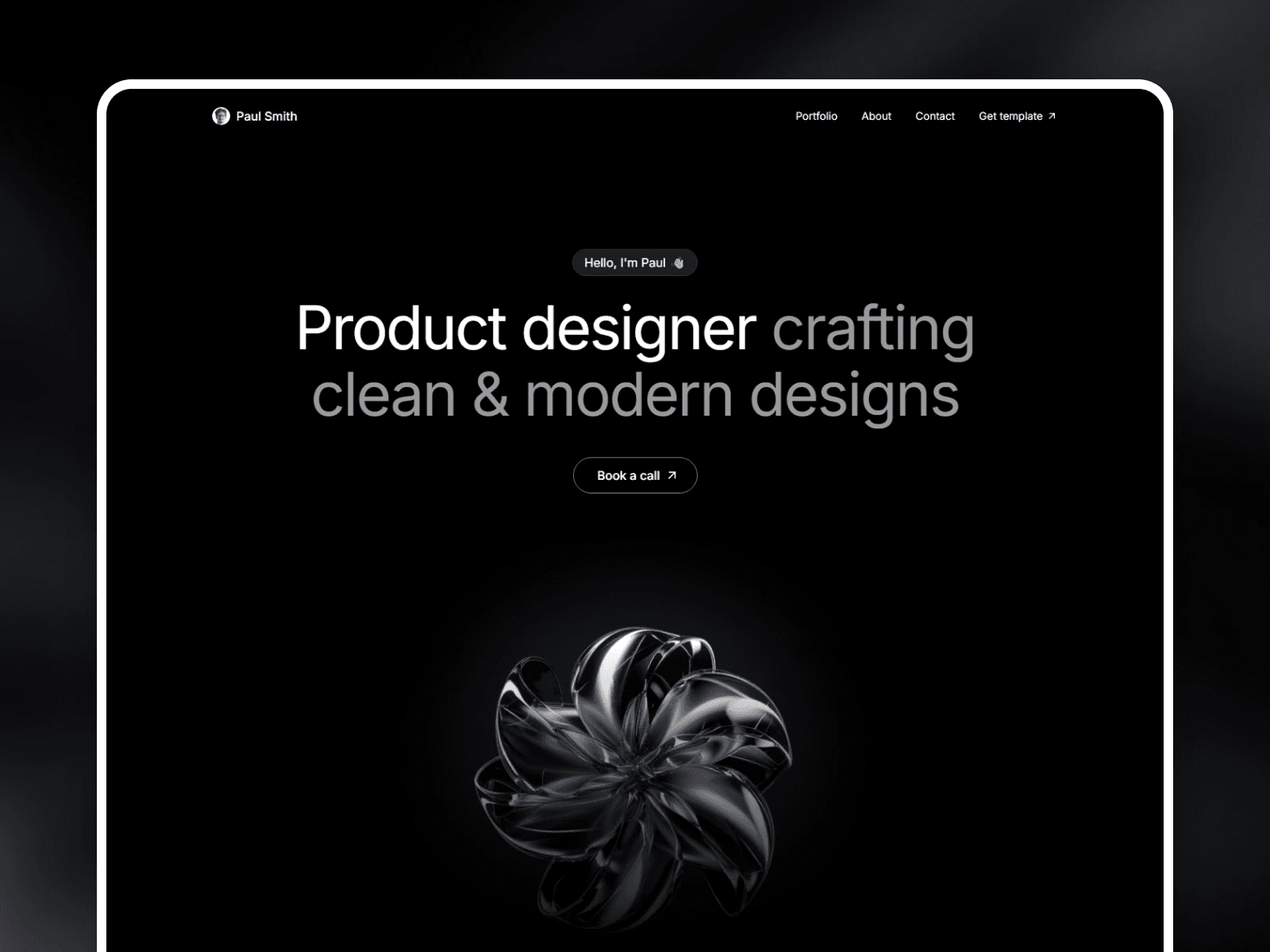
Proxio is a free Framer portfolio template built exactly around this structure. It’s dark and minimal so your work leads, and it ships with 5 CMS collections — Projects, Career, Services, Testimonials, and FAQ — so every project gets a proper case study page and you can keep everything updated without code. If you want to compare more options first, see our roundup of the best free Framer portfolio templates.
Frequently asked questions
What should a designer portfolio website include?
At minimum: a clear hero that states your discipline and who you help, a selected-work section of your 4–8 strongest projects, dedicated case study pages, an about section with a photo, testimonials, and an easy way to get in touch. A services section helps if you freelance, and a blog is worth adding for long-term search traffic.
How many projects should I show in my portfolio?
Four to eight strong, relevant projects. Quality and relevance beat volume — a focused set of six great case studies with real reasoning outperforms twenty mixed thumbnails. Show the work that matches the kind of projects you want to be hired for.
Single-page or multi-page portfolio — which is better?
A single-page portfolio is fast and works well early on or with a small body of work. A multi-page portfolio with dedicated case study pages is better long-term — it gives each project room for a full story and can rank in search. A CMS-driven template lets you start simple and add case study pages as your work grows.
Do I need to code to build a portfolio website?
No. A Framer portfolio template gives you a professional structure you customise in a visual editor — no code required. You add your projects, connect a domain, and publish. Most designers launch in under 24 hours. Proxio is a free template built around this exact structure.


